CRM guide for insurance agencies: quote requests, policy cards and renewals
At an agency, the real work begins after the policy is issued: renewal tracking, production by line of business and getting back to lost customers in the next period. We explain the setup from quote request to renewal.
By BEF CRM Ekibi Updated

Contents 8 sections
At an insurance agency, a sale doesn’t end when the policy is issued; in fact, a new countdown starts that day. When a motor liability, comprehensive auto, home or health policy reaches its expiry date, if you don’t call the customer, another agency will. Pulling the renewal list out of spreadsheets every month is both time-consuming and error-prone.
In this guide, we explain how an agency can link quote requests to policies, and policies to regular renewals, in BEF CRM. A summary of the preset settings is on the Insurance agencies page.
The journey of a quote request
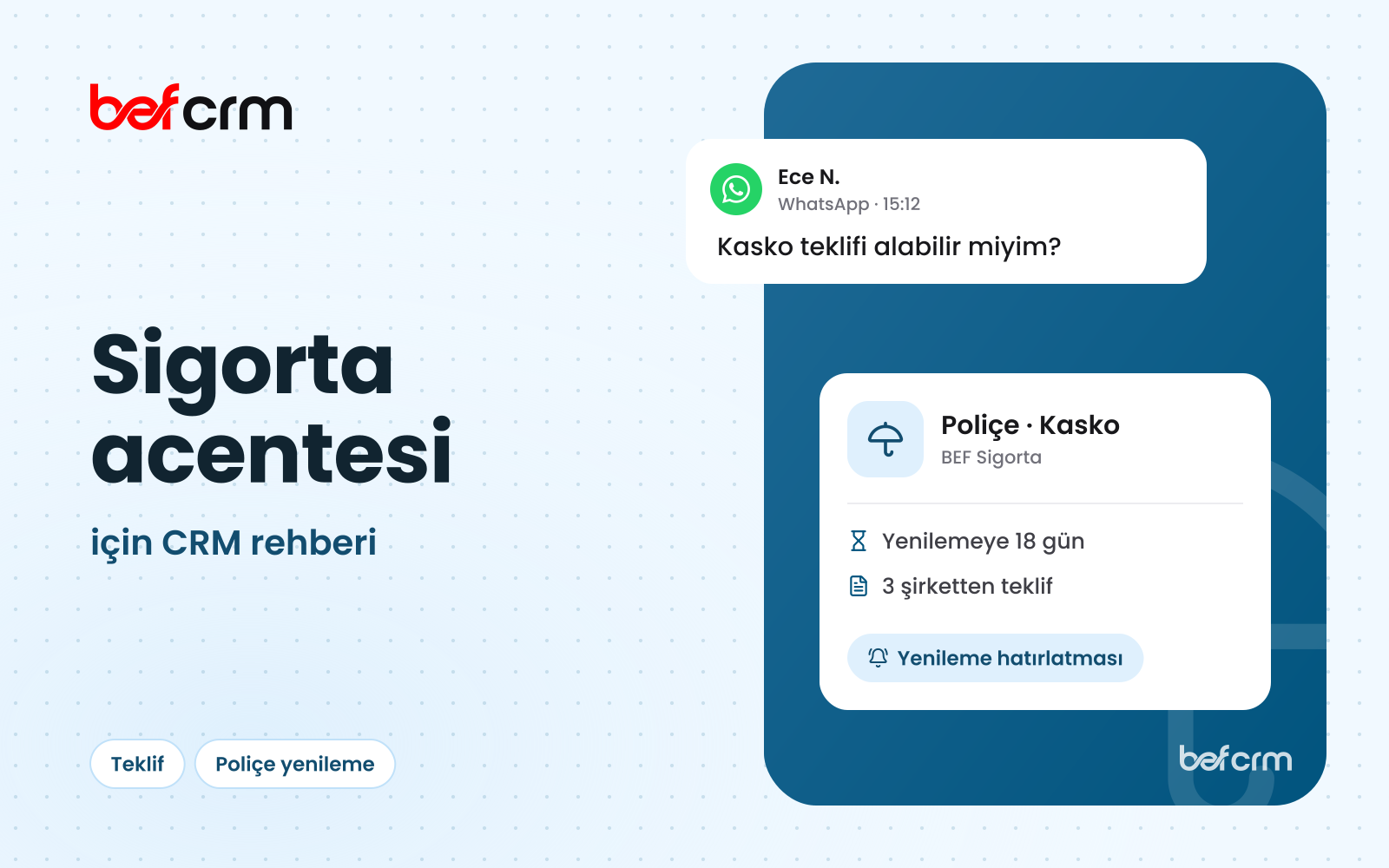
Requests mostly come in via WhatsApp: “Can I get a comprehensive auto quote?” A record opens, the necessary details are collected, prices are obtained from different insurers and a comparative quote is sent via a link. When the policy is issued, a renewal reminder is set for the expiry date.

With the industry settings, leads appear as “Quote requests”, customers as “Policyholders” and sales as “Policies”. The booking form comes with four preset questions (such as “Insurance type”).
| Stage | When does a record move here? | Work at this stage |
|---|---|---|
| Details collected | The details needed for the quote are complete | Request prices from insurers |
| Prices from insurers obtained | Prices ready for comparison | Compare coverages and prepare the quote |
| Quote presented | Quote sent via a link | Answer questions and pin down the decision date |
| Policy issued | Policy issued, sale entered | Open the policy card and set the renewal reminder |

Collecting information is often the longest step. Turn the details needed for each line of business into a list as a saved reply and ask the customer in a single message. Request data such as ID and vehicle registration details only as far as necessary, and keep the documents you receive in the record.
Policy card and renewal
Poliçe ve yenileme modülünde poliçe kartında branş, şirket, prim ve bitiş tarihi tutulur. Bitiş tarihine göre yenileme listesi oluşur; zamanı gelince sigortalıya mesaj, temsilciye görev gider. Yenileme teklifinde şirketlerden alınan fiyatlar karşılaştırılır ve teklif bağlantı ve e-imzayla gönderilir.

Recommended modules: Policies and renewals, Recurring reminders. Details: industry modules.

A lost customer, in the next period
The preset close reasons are: Premium found too high, Coverage insufficient, Sold the vehicle / property, Stayed with current agency.
- Premium found too high: a task is created for the rep 330 days later, that is, before the next renewal period.
- Coverage insufficient: a new quote task is created 7 days later; follow up with an option that has broader coverage.
- Stayed with current agency: the next renewal period is a new opportunity with this customer too; define the same 330-day rule for this reason as well.
- Sold the vehicle / property: a need for a new vehicle or property may arise; a short note is enough.
If you write the expiry date of the customer’s current policy in the record, you can set the follow-up time more accurately. For defining rules, see the tasks and reminders page.
Team and permissions by line of business
If you keep the line of business in a custom field, you can use assignment rules to route comprehensive auto requests to one rep and health requests to another; the reason for every assignment is written to the record’s history. Role settings determine whether reps see only their own policyholders or the whole portfolio, and you can limit cost and profit information to authorized people.
AI assistant
Outside working hours, the assistant can ask for the necessary details on incoming quote requests and give general information about the lines of business the agency works in. Premium amounts, coverage scope and claims processes belong to a rep; the assistant doesn’t make price commitments. Hand messages containing words like “accident” or “claim” directly to a rep.
Campaigns and consent
A renewal reminder is information about the customer’s own policy; promoting a new line of business, however, is a commercial message and requires consent. The Campaigns screen skips people without consent. On WhatsApp, if 24 hours have passed since the last message, you can start the conversation only with an approved template, so submit a template for your renewal message for approval in advance. Details: WhatsApp Business.
What to check in the weekly report
- Policies nearing their expiry date and the status of renewal tasks.
- Requests where a quote was presented but no reply came.
- Premium production by line of business.
- Closes due to premium and coverage in loss analysis.
First-week checklist
- Connect your WhatsApp and email account; see quote requests open records.
- Enter existing policies with line of business, insurer, premium and expiry date.
- Prepare the timing of the renewal reminder and the WhatsApp template.
- Write the details needed for each line of business as saved replies.
- Review the rules tied to close reasons; add a period rule for customers who stayed with their current agency too.
Who gets the renewal reminder?
As the policy’s expiry date approaches, a message goes to the policyholder and a task to the rep. If the message goes out via WhatsApp, an approved template is used.
When should I get back to a customer we lost?
For a customer lost because they found the premium too high, the preset rule creates a task 330 days later, that is, before the next renewal period. For a customer who found the coverage insufficient, a new quote task is created 7 days later.
How do I send the quote to the customer?
The quote is prepared in the dashboard and sent as a link. The customer opens the quote on their phone and accepts or rejects it; if a signature is required, they sign on screen.