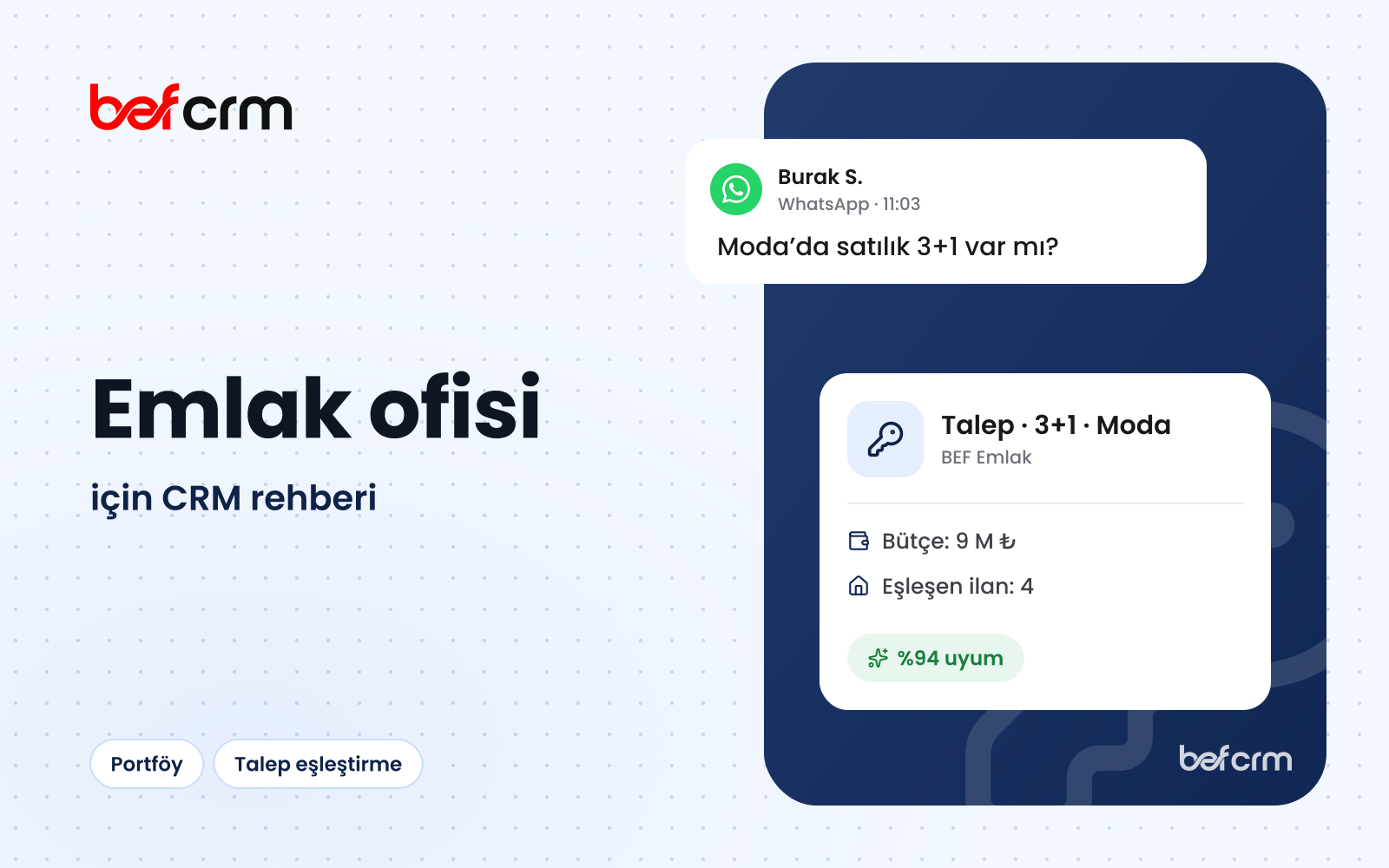
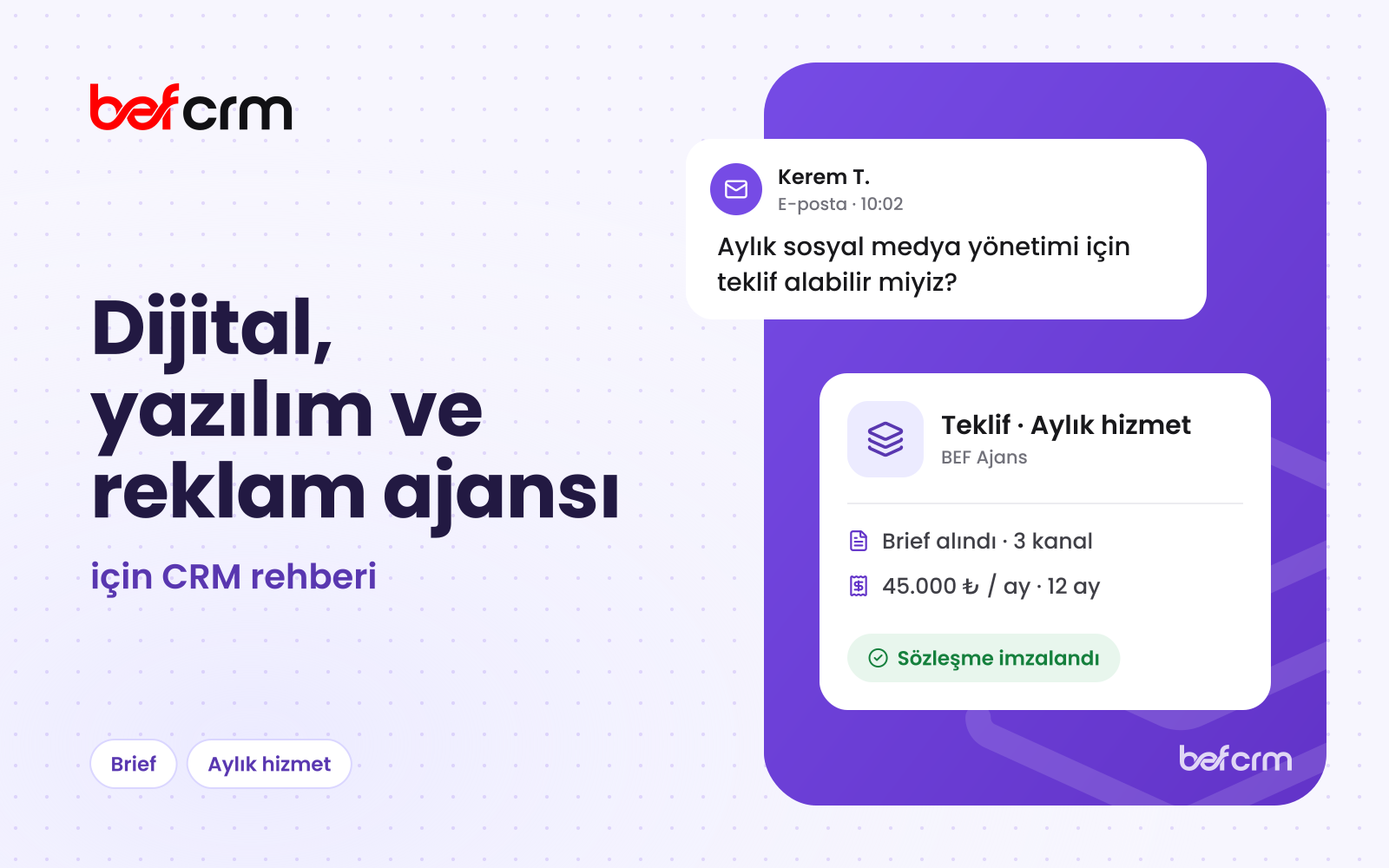
CRM guide for digital, software and advertising agencies: briefs, quote versions and renewals
At an agency, a quote gets revised several times, and it can become unclear which version was accepted. We explain how to tie the process from brief to contract, and from contract to monthly retainer renewal, to stages and rules.
By BEF CRM Ekibi Updated

Contents 8 sections
At agencies, the sales process is long and has many steps. The inquiry comes in via a web form or email, a brief is taken, a discovery call is held, and a quote is prepared and often revised several times. When revisions are scattered across email threads, it gets confusing which version was accepted, who approved it and what scope made it into the contract. After the contract come monthly retainer payments and project work.
In this guide, we explain the setup in BEF CRM for digital, software and advertising agencies, from brief to renewal. A summary of the preset settings is on the Digital, software and advertising agencies page.
Stages and naming
With the industry settings, the board comes with five stages; leads appear as “Project requests”, customers as “Customers” and sales as “Projects”.
| Stage | When does a record move here? | Work at this stage |
|---|---|---|
| Brief received | Request and brief added to the record | Schedule a discovery call |
| Discovery call done | Scope, budget and timeline discussed | Prepare the quote |
| Quote sent | Quote sent via a link | Answer questions and learn about the decision process |
| Revisions / negotiation | The client asked for changes | Prepare the new version |
| Contract signed | The accepted version became a contract | Start the project and set up the payment plan |
If you give stages probabilities, the column headers on the lead board show the probability-weighted amount along with the total; this is a more realistic sales forecast for the coming period. The booking form comes with five preset questions (such as “Which service are you interested in?”).

Quote versions and contracts
In the quote and e-signature flow, every change you make to a sent quote creates a new version; the client sees the latest version in the link, and the version they accept stays on record. You can compare two versions side by side. If you attach a contract template to the quote, the client reads the text and signs through the same link; at the moment of signing, the time, IP address, device and document hash are recorded. That way, if a scope dispute comes up, it’s clear which version was accepted.

Close reasons and follow-up
The preset close reasons are: Budget fell short, Postponed the project, Decided to do it in-house, Scope not a fit for us, Chose another agency.
- Budget fell short: a task is created for the rep 60 days later; when you follow up, you can suggest a smaller starting scope.
- Postponed the project: a task is created 45 days later; if the client mentioned a different date, move the task to that date.
- Decided to do it in-house: a need for support may come up later; add your own rule if you like.
- Scope not a fit for us: no follow-up needed; if this reason shows up often, it’s a sign to review your target customer definition.
Monthly retainers, collections and project work
Aylık hizmet alan müşterilerin ödemeleri taksit planıyla takip edilir; vade günü ödeme bağlantısı gider, geciken ödeme için müşteriye mesaj gider ve sorumluya görev açılır. Proje işleri görevlerle ekibe dağıtılır; görev panosu ve zaman çizelgesi görünümleriyle kimin neyi ne zamana kadar yapacağı görünür.

When a payment linked to a quote is received, a sales record opens automatically and the lead closes as won; that way, the forecast on the board and the actual sale are fed from the same record.

AI, summaries and questions
At agencies, inquiries often come in by email; the assistant is off by default for email. On web chat or WhatsApp, limit the assistant to information such as your services, how you work and how discovery calls are scheduled; price and scope commitments belong to your team. In long threads, the conversation summary shows what the client wants and the next step; with Ask your CRM, you can ask questions like “What’s the total of quotes lost this quarter?” in everyday language.
Campaigns and advertising
Agencies advertise for their own sales too. On the ad performance screen, the results reported by the platform appear side by side with the real records and sales in the CRM. Newsletter or case study announcements may count as commercial messages; the campaigns screen skips people without consent.
What to check in the weekly report
- Total and weighted sales forecast by stage.
- Records where a quote was sent and the follow-up time has been exceeded.
- Quotes waiting in the revision stage.
- Overdue monthly payments.
- You can build your own reports with the report builder and pin them to the dashboard or receive them by email at set intervals.
First-week checklist
- Connect email, website chat and your web form; see inquiries open records.
- Give stages probabilities and follow-up times.
- Enter your service items and their prices on the Products screen.
- Prepare a quote, create a revised version and try the e-signature flow with a contract template.
- Set up payment plans for monthly retainer clients.
Which quote version does the client see?
In the link, they always see the latest version with an “Updated” note. The version they accept stays on record; if a contract template is attached, it’s completed with an e-signature through the same link.
How do I see the sales forecast?
When you give stages probabilities, the column headers on the board show the total amount and the probability-weighted amount.
How do I track monthly retainer payments?
Monthly retainer agreements are tracked with an installment plan; a payment link goes out on the due date, and if a payment is late, a message goes to the client and a task is created for the owner.