CRM guide for boutique hotels and travel agencies: direct requests, options and vouchers
When a guest asks about prices on Instagram or WhatsApp, you need a fast reply, option period tracking and a voucher routine for confirmed reservations. We describe a practical setup for direct bookings.
By BEF CRM Ekibi Updated

Contents 9 sections
Direct booking requests are valuable for boutique hotels and travel agencies; when a guest writes to you directly, there’s no intermediary in between. But these requests are scattered across WhatsApp, Instagram and email. If the price and availability are sent late, the guest looks at another property; if an optioned reservation’s period isn’t tracked, room or tour allotments stay blocked for nothing.
In this guide, we explain how a boutique hotel or travel agency can organize the process from request to stay in BEF CRM. A summary of the preset settings is on the Boutique hotels and travel agencies page.
Stages and naming
With the industry settings, the board comes with four stages; leads appear as “Reservation requests”, customers as “Guests” and sales as “Reservations”.
| Stage | When does a record move here? | Work at this stage |
|---|---|---|
| Info provided | Information about the property, room or tour given | Confirm dates and party size |
| Price / availability sent | Price and availability for the dates shared | Suggest an option or a confirmed reservation |
| Optioned | Reservation optioned, with a set period | Get back to the guest before the option period expires |
| Reservation confirmed | Payment arrived, reservation confirmed | Share transfer and voucher details |
The reservation form comes with five preset questions (such as “Check-in and check-out dates”). Give the “Optioned” stage a follow-up time that matches your option period; for a request whose period has expired, a task is created so you can get back to the guest.

Allotments, options and vouchers
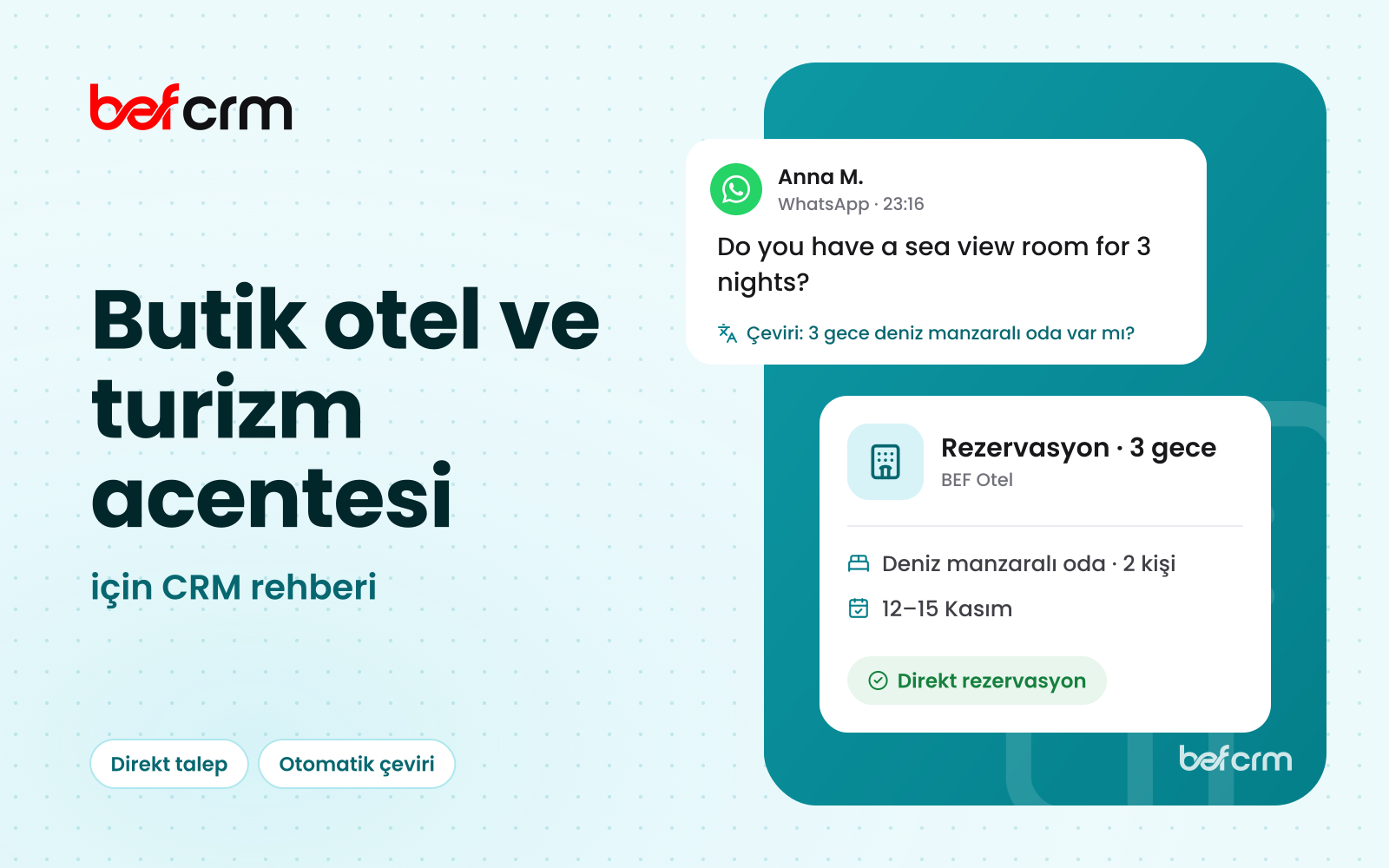
In the accommodation and tours module, room and tour allotments are defined, and an optioned reservation is tracked until it’s confirmed. Check-in and check-out, transfer and voucher details are shared with the guest; the voucher goes out as a shareable link. Transfer and add-on service sales are tracked in the same record, and prices can be given in foreign currency. You can collect payment with a payment link; the money goes directly to your own payment provider account. Recommended module: Accommodation and tours.

Foreign guests in their own language
With automatic translation on, incoming messages appear with a Turkish translation and your reply is translated into the guest’s language before it goes out; quick messages are translated too. Outside working hours, the AI assistant answers general questions from your knowledge base (location, amenities, check-in and check-out times, transportation). The assistant doesn’t offer discounts or make price commitments; firm availability and prices should come from your team. With language-based assignment rules, you can route requests to a staff member who speaks the language.
Close reasons and follow-up
The preset close reasons are: Found the price too high, Dates fully booked, Option period expired, Trip canceled, Chose another property / agency.
- Dates fully booked: a task is created for the rep 30 days later; if the guest has flexible dates, suggest a new period.
- Found the price too high: a task is created in the next campaign period; off-season prices are a good reason to follow up.
- Option period expired: reach out to the guest once more before closing the record; sometimes a single reminder is enough.
- Trip canceled: if the guest mentioned a new date, set the task for that date.
Distributing requests in high season
In high season, the number of requests rises, and so does the risk of two staff members replying to the same guest, or no one replying at all. Assignment rules take into account capacity limits, the staff member’s “Available” status and working hours; distribution can be round-robin or to whoever has the fewest open records. When a guest who has stayed before writes again, you can also send the conversation back to their previous rep.
Company page and reviews
Your company page can include services, gallery, reviews and contact blocks; the page is fed by the services and customer reviews in your CRM, and messages from the page go straight into the CRM. You can reply to Instagram and Facebook comments on the comments and reputation screen; for negative or sensitive comments, AI doesn’t reply and leaves the response to a rep.

Campaigns and consent
Special campaigns for returning guests, season openings or early booking announcements are commercial messages; the campaigns screen skips people without consent. For international guests, prepare the campaign text in their own language and get consent during the reservation.
What to check in the weekly report
- Reservations whose option period is about to expire.
- Requests where price and availability were sent but no reply came.
- Reservation amounts by currency and add-on service sales.
- Requests by channel: Instagram, WhatsApp, email, company page.

First-week checklist
-
Connect your channels
Connect your WhatsApp, Instagram and email accounts; turn on automatic translation.
-
Enter room and tour allotments
Define room types, tours, allotments and foreign-currency prices.
-
Set your option rule
Give the “Optioned” stage a follow-up time that matches your option period.
-
Prepare voucher and transfer details
Define the voucher text and the transfer and add-on service options.
-
Publish your company page
Prepare your company page with services, gallery and reviews; add its link to your profiles.
How do I avoid missing a reservation whose option period has expired?
Give the “Optioned” stage a follow-up time; for a request whose period has expired, a task is created for the owner so you can get back to the guest.
How do I reply to messages in foreign languages?
Incoming messages appear with a Turkish translation. With “Send in the customer’s language” on, the reply you write in Turkish is translated into the guest’s language before it goes out; quick messages are translated too.
How do I send the voucher to the guest?
For a confirmed reservation, the voucher is sent to the guest as a shareable link; check-in, check-out and transfer details sit in the same record.