CRM guide for restaurants, cafés and event venues: reservations, prepayments and loyalty
Saturday night’s reservation messages get lost in the rush, and a no-show guest’s table sits empty. We explain how to organize reservation requests, prepayments, group menu quotes and returning guests.
By BEF CRM Ekibi Updated

Contents 9 sections
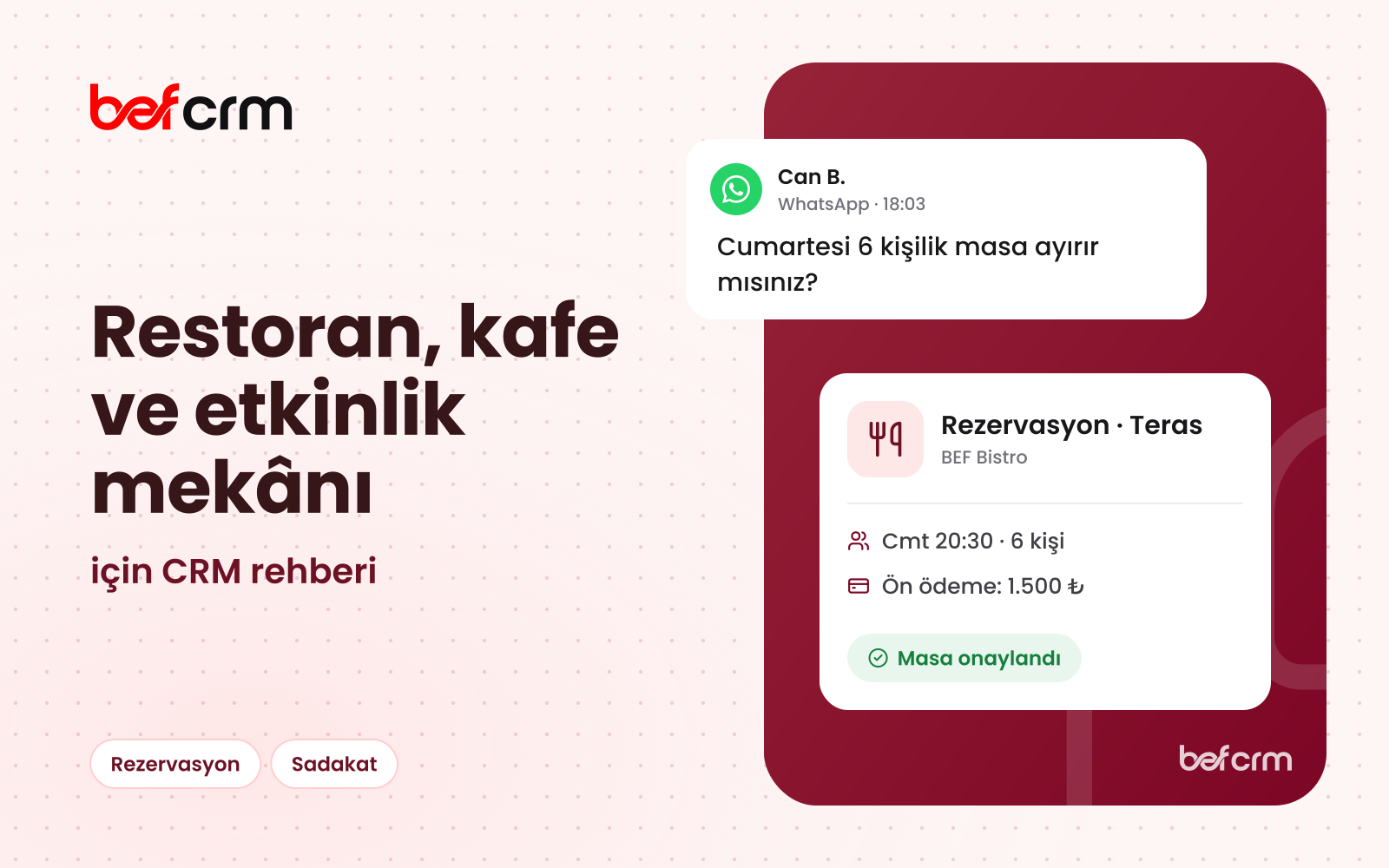
At restaurants and cafés, reservation requests arrive at the busiest times: while Saturday night service is underway, a message comes in on Instagram: “Do you have a table for four tonight?” If the reply is late, the guest writes to another venue; if the guest with a confirmed reservation doesn’t show up, the table sits empty. Group and event requests take a longer process, with menu quotes, party size and prepayment.
In this guide, we explain how a restaurant, café or event venue can organize reservations, group quotes and returning guests in BEF CRM. A summary of the preset settings is on the Restaurants, cafés and event venues page.
Stages and naming
With the industry settings, the board comes with four stages; leads appear as “Reservation requests”, customers as “Guests” and sales as “Sales”.
| Stage | When does a record move here? | Work at this stage |
|---|---|---|
| Info provided | Availability, menu and terms shared | Confirm the date, time and party size |
| Menu / quote sent | A menu quote for a group or event went out via a link | Discuss party size and prepayment |
| Reservation confirmed | Table and time confirmed | Request prepayment if needed and track the reminder |
| Attended / event held | The guest arrived or the event took place | Enter the sale and add the points |
For small daily reservations, you can skip the “Menu / quote sent” stage; it’s meant for group and event requests. The reservation form comes with five preset questions (such as “Party size”).

First replies during busy hours
Decide in advance who checks messages during service; otherwise, everyone assumes someone else will reply. Prepare quick messages for availability, address and the reservation link; they go out with a tap and don’t disturb the draft you’re typing. You can set the AI assistant to step in not only outside working hours but also when the team doesn’t reply within a time you choose, between 1 and 60 minutes; that way, on a busy evening, a waiting guest at least gets a first reply.

Reservations and prepayments
In the reservations and events module, the guest picks the date, time and party size on the reservation page. You can ask for prepayment and mark no-show guests. For events, guest lists, tickets and QR check-in are available. Group and event menus are sent via a quote link. You can track takeaway orders as a separate outcome. Recommended modules: Reservations and events, Loyalty, points, gift vouchers and referrals.


Close reasons and follow-up
The preset close reasons are: Date / time fully booked, Found the price too high, Insufficient capacity, Didn’t show up (no-show), Chose another venue.
- Date / time fully booked: a task is created for the rep 7 days later; suggest another day to the guest.
- Found the price too high: a task is created in the next campaign period; you can offer a different option on the group menu.
- Didn’t show up (no-show): if the same guest does it again, consider asking for prepayment on their future reservations.
- Insufficient capacity: if this shows up often for large group requests, review your seating layout.
Returning guests
With the loyalty module, spending turns into points, and gift vouchers and referral codes can be defined. From the ready-made automations, you can turn on birthday and win-back messages; these customer-facing messages use an approved WhatsApp template, and message consent is checked for commercial ones. You can manage guest comments on the comments and reputation screen and have comments containing profanity and insults hidden.

AI assistant
The assistant can answer questions about working hours, the menu, address and reservation terms; if the reservation page is connected, it offers only real free slots in the calendar and doesn’t promise reservations on its own. Questions about allergies and special diets, complaints and large group negotiations should be handed over to a staff member; a wrong answer about allergens can have serious consequences.
Campaigns and consent
Announcements for special nights, a new menu or a weekday promotion are commercial messages; the campaigns screen skips people without consent, and the same person doesn’t get a second campaign within 7 days. Getting the guest’s consent during the reservation, along with its channel and source, grows the audience you can reach in later campaigns.
What to check in the weekly report
- No-show guests and the share of prepaid reservations.
- Reservation requests with delayed replies, especially on weekend evenings.
- The approval status of group and event quotes.
- Guests who use loyalty points and who replied to win-back messages.
First-week checklist
- Connect Instagram and WhatsApp; see reservation messages open records.
- Define tables, areas and capacity; add the reservation page link to your profile.
- Decide when you’ll ask for prepayment (groups, special nights).
- Prepare a quote template for group menus.
- Turn on loyalty point rules and the birthday automation.
Can I take prepayment for reservations?
Yes. You can ask for prepayment for a reservation; the payment link goes to the guest and the payment goes to your own payment provider account.
How do I track no-show guests?
You mark the no-show guest on the reservation, and you can close the record with the “Didn’t show up (no-show)” reason. When the same guest makes another reservation, their history is visible on the record.
How are tickets and entry managed for events?
In the reservations and events module, guest lists, tickets and QR check-in are available.