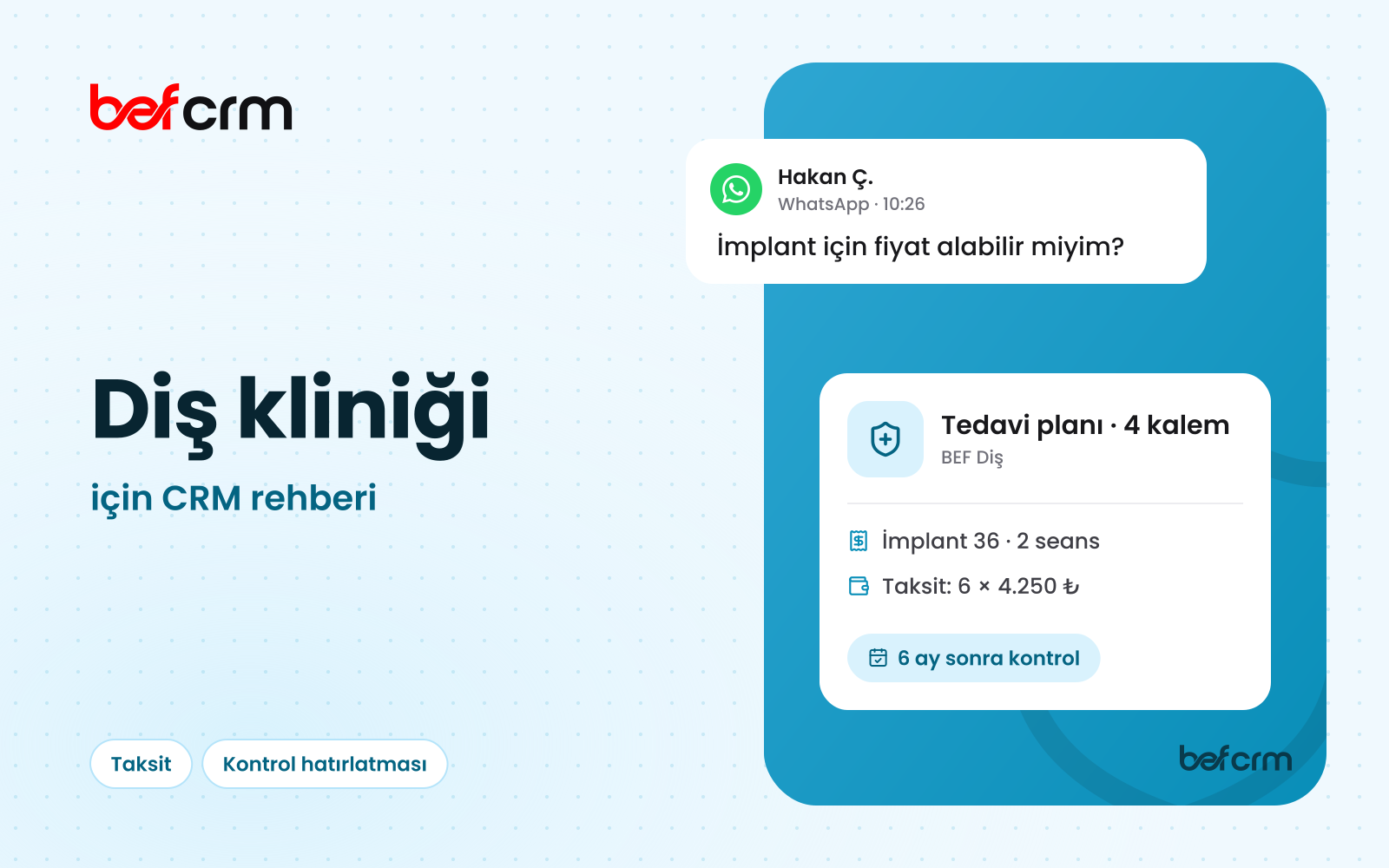
CRM guide for dental clinics: from treatment plan to 6-month checkup
For long treatments like implants and orthodontics, the decision takes weeks. We explain how to track patients whose treatment plan has been presented, follow up with those who didn’t start because of cost or installments, and set up a 6-month checkup routine.
By BEF CRM Ekibi Updated

Contents 8 sections
A large share of the messages a dental clinic receives are price questions: “How much is an implant?”, “How many months do clear aligners take?” Giving a firm price by message often isn’t possible; the right answer is an invitation to an examination. The real loss, though, comes after the examination: the treatment plan is presented, the patient says “let me think about it” and is never called again.
In this guide, we explain how a dental clinic can take a prospective patient from the first message to treatment, and once treatment ends, into regular checkups. A summary of the preset settings is on the Dental clinics page.
Stages: from examination to treatment
When you choose the dental industry, the board comes with five stages; leads appear as “Prospective patients”, customers as “Patients” and sales as “Treatments”. The booking form comes with five preset questions (such as “Your complaint / the treatment you’re interested in”).
| Stage | When does a record move here? | Work at this stage |
|---|---|---|
| Info provided | General information about the treatment and process given | Suggest an examination appointment |
| Examination appointment booked | Day and time set | Watch for the reply to the reminder with buttons |
| Examination / X-ray done | Findings entered on the dental chart | Prepare the treatment plan and amount |
| Treatment plan presented | Plan and amount shared with the patient | Answer questions and discuss installment options |
| Treatment started | The patient approved and treatment started | Set up the installment plan and schedule the sessions |
“Treatment plan presented” is the clinic’s most critical stage. Give this stage a short follow-up time; a record that exceeds it is flagged in red and the owner is notified. Make sure every patient whose plan has been presented has a dated next step. For a general follow-up routine, see our post on the lead follow-up routine.

Dental chart, treatment plan and quote
Diş şeması modülünde numaralı şema üzerinde her dişe yapılacak işlemi ve fiyatını girersiniz; tedavi aşamalara bölünür. Toplam tutar için teklif hazırlayıp bağlantıyla gönderirsiniz; hasta teklifi telefonundan açar, kabul eder ya da reddeder.

Uzun tedavilerde taksit planı kurulur: vadeden önce hatırlatma, vade günü ödeme bağlantısı gider; geciken taksit için hastaya mesaj gider ve sorumluya görev açılır. Önerilen modüller: Randevu ve seans, Diş şeması, Tedavi / takip / program planı, Periyodik hatırlatma.

Close reasons and follow-up
The preset close reasons are: Treatment cost too high, Installment option didn’t suit, Dental anxiety, Out of town / far away, Chose another clinic.
- Treatment cost too high: the preset rule creates a task for the rep in the next campaign period. When you follow up, consider options with the doctor, such as splitting the plan into phases or starting with the most urgent treatment.
- Installment option didn’t suit: the preset rule creates a task 14 days later. Follow up with a different payment term option.
- Dental anxiety: add a future-dated follow-up rule; when you follow up, suggest a short get-to-know-you examination instead of applying pressure.
- Out of town / far away and Chose another clinic: these usually don’t need follow-up.
How rules are defined is explained in the tasks and calendar section.
6-month checkups and chair occupancy
For patients who have finished treatment, a recurring reminder is set for a 6-month checkup and cleaning. When the time comes, a message goes to the patient or a task is created for the front desk. On the online booking page, the patient can pick a checkup time themselves; before the appointment, a reminder with “I’m coming”, “Let’s cancel” and “Another time” buttons goes out. You see chair occupancy on the calendar, and no-show patients are marked with a separate status color.

Patient data and KVKK: not legal advice
Examination findings, X-rays and treatment information are health data and, under KVKK, are subject to separate rules as special categories of personal data. Prospective patients often send X-rays or photos via WhatsApp; put in writing which channel this content is received through, who sees it and how long it’s kept. In BEF CRM, in modules that process health data, fields are stored encrypted, only authorized staff can see them and every access is logged. Clarify your obligations with a lawyer; this note is general information.
AI assistant
Outside working hours, the assistant can answer “How much is an implant?” with the general information in your knowledge base: that the price is determined after the examination, the examination fee, working hours and the booking link. Diagnoses, treatment recommendations and questions like “Can this tooth be saved?” belong to the doctor. Make sure conversations with words like “pain”, “swelling” or “bleeding” are handed straight to a staff member, and write in the knowledge base where to go in emergencies outside working hours.
Campaigns and consent
Keep informational messages such as checkup reminders separate from campaign messages; messages containing a discount or promotion may count as commercial messages and require consent. The Campaigns screen automatically skips people without consent. Advertising of healthcare services is also subject to professional regulations; check your campaign texts against these rules.
What to check in the weekly report
- Patients in the “Treatment plan presented” stage who have exceeded the follow-up time.
- Examination-to-treatment conversion: how many examined patients started treatment?
- Overdue installments and the collection tasks created.
- The share of closes due to cost and installments in loss analysis.
First-week checklist
-
Connect your channels
Connect WhatsApp, Instagram and website chat; see every incoming message open a record.
-
Set up doctors and the calendar
Enter working hours, time off and service durations; share the booking link.
-
Separate roles
Separate the fields the front desk and the doctors will see; turn on two-step verification.
-
Try the treatment plan and quote flow
Run the dental chart and quote flow once from start to finish for the treatment you offer most often.
-
Set up checkup reminders
Prepare the recurring reminder and message template for the 6-month checkup.
How do I send the treatment plan to the patient?
Diş şemasına girdiğiniz işlemlerden teklif hazırlayıp bağlantı olarak gönderirsiniz. Hasta teklifi telefonundan açar; kabul ettiğinde taksit planını kurabilirsiniz.
Who gets the 6-month checkup reminder?
Depending on the recurring reminder rule, either a message goes to the patient or a task is created for the front desk. If the message includes a booking link, the patient can choose a time themselves.
How do I follow up with a patient whose installment is overdue?
With an installment plan, a reminder goes out before the due date and a payment link on the due date. If an installment is overdue, a message goes to the patient and a task is created for the owner.