CRM guide for dietitians: measurement tracking, programs and consistent checkups
The hardest stretch of a diet is the first few weeks. We explain the stages and rules for taking a client from the first consultation to a program, tracking measurements regularly and spotting clients who are likely to drop out early.
By BEF CRM Ekibi Updated

Contents 8 sections
For dietitians, a sale doesn’t end the day the program is sold; the real work is getting the client to come to checkups regularly. The first few weeks are the hardest: motivation drops, checkup appointments get postponed and the client quietly drops out. To catch this early, measurements, appointments and follow-up tasks need to be in the same place.
In this guide, we explain how a dietitian or nutrition counseling center can take a client from the first message to regular checkups in BEF CRM. A summary of the preset settings is on the Dietitians page.
Stages and naming
With the industry settings, the board comes with four stages; leads appear as “Prospective clients”, customers as “Clients” and sales as “Programs”.
| Stage | When does a record move here? | Work at this stage |
|---|---|---|
| Info provided | Program options and fees shared | Suggest a first consultation |
| First consultation scheduled | Day and time set | Check that the intake questions were answered |
| Measurements / analysis done | Baseline measurements entered | Recommend a suitable program |
| Started the program | Program sold, its steps have begun | Set up checkup days and reminders |
The booking form comes with five preset questions (such as “Your goal”). Knowing the goal makes it easier to prepare for the first consultation.

Close reasons and follow-up
The preset close reasons are: Found the fee too high, Lost motivation, Wanted online follow-up, Needs a doctor’s referral, Chose another dietitian.
- Lost motivation: a task is created for the rep 21 days later. When you follow up, write a message that isn’t accusatory and makes it easy to start again.
- Found the fee too high: a task is created in the next campaign period.
- Wanted online follow-up: if you offer an online program, you haven’t lost this person; suggest the online program before closing the record.
- Needs a doctor’s referral: instead of a follow-up task, tell the client to see their doctor first; when they come back with the doctor’s approval, schedule a new consultation.
Measurements, programs and checkups
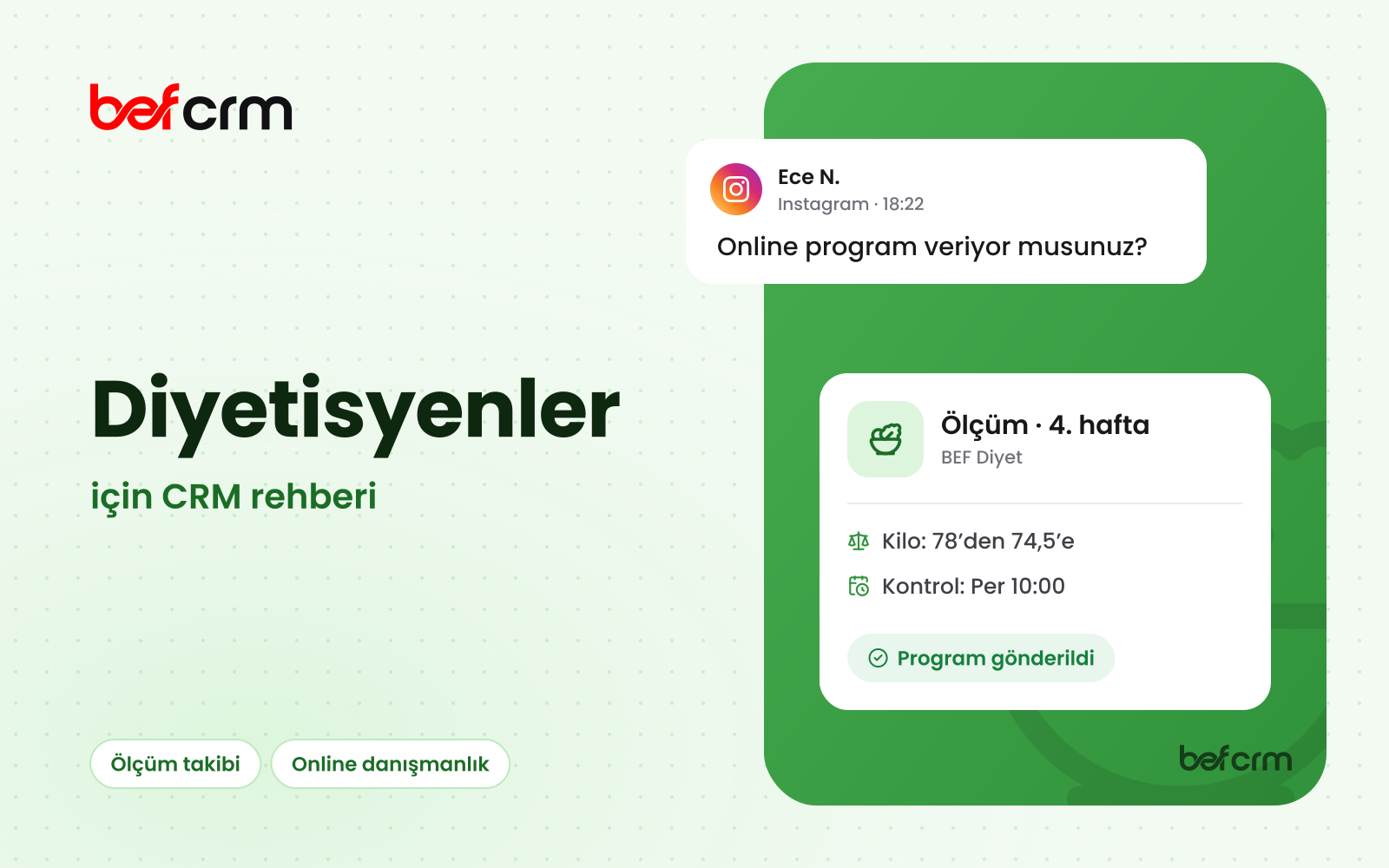
Ölçüm ve ilerleme modülünde kilo, yağ oranı, çevre ölçüleri ve kan değerleri gibi alanlar ölçüm şablonuyla girilir; ilerleme grafiği danışanla paylaşılabilir. Program adımları görev, mesaj ya da form üretir. Kontrol randevusu için periyodik hatırlatma kurulur. Program bitişi yaklaşınca hatırlatma gelir.

Use the “no-show” status on the calendar to spot a client who missed a checkup appointment the same day. Suggesting a new day with a short, non-accusatory message helps keep the client from drifting away from the program; the longer the gap between measurements, the harder it is to start again.
Önerilen modüller: Randevu ve seans, Ölçüm ve ilerleme, Tedavi / takip / program planı, Periyodik hatırlatma. Kontrol randevularının nasıl kurulduğu randevular bölümünde anlatılıyor.

Remote clients
Online program alan danışan randevusunu online randevu sayfasından alır, ödemesini bağlantıyla yapar. Mesajlar WhatsApp’tan gelir, ekip ortak gelen kutusundan yanıtlar. Aylık, 3 aylık ve online program satışlarını ayrı sonuç olarak izleyebilir, ödemeyi taksitlendirebilirsiniz.
Health data and KVKK: not legal advice
Blood values, chronic illnesses, medication use and body measurements may qualify as health data and count as special categories of personal data under KVKK. If test results arrived by message, store them in the client’s record; don’t let them multiply in phone galleries and messaging groups. Share the progress chart only with the client themselves. Determine your obligations with a lawyer; this note is general information.
AI assistant
The assistant can answer questions about program options, fees, how online counseling works and the booking link. Personal nutrition advice, calorie calculations and questions about supplements or medications belong to the dietitian; prohibit them in the knowledge base. Hand messages that mention pregnancy, chronic illness or signs of an eating disorder directly to a staff member.
Campaigns and ready-made automations
New-term or pre-summer program campaigns are commercial messages; the campaigns screen skips people without consent. From the ready-made automations, the win-back message can go to clients who dropped the program, and the birthday message to your regular clients. Avoid wording that promises weight loss, and follow the rules on advertising healthcare services.
What to check in the weekly report
- Clients who missed or postponed a checkup appointment.
- Checkup attendance among clients in the first weeks of their program.
- Records closed with “Lost motivation” and the outcome of follow-ups 21 days later.
- Sales by program type.

First-week checklist
- Connect WhatsApp and Instagram; add program fees and the booking link to your quick messages.
- Prepare the measurement template with the fields you use (weight, body fat, circumference measurements).
- Define your programs as monthly, 3-month and online.
- Decide how often checkup reminders go out.
- Write the assistant’s prohibited topics and handover words.
Can clients see their measurements?
İlerleme grafiğini danışanla ayrıca paylaşabilirsiniz.
Do online clients need a separate setup?
No. Online clients book on the page and pay via a link, and their messages come in via WhatsApp. You can track online program sales as a separate outcome.
When should I get back to a client who dropped the program?
For a record closed with “Lost motivation”, the preset rule creates a task for the rep 21 days later. You can change the timing based on your own experience.