CRM guide for physiotherapy and rehabilitation centers: from assessment to package
We explain the stages, close reasons, exercise program and KVKK notes that help a client who comes in for an assessment move on to a session package, complete the package regularly and have their progress measured.
By BEF CRM Ekibi Updated

Contents 7 sections
In physiotherapy, a client’s first visit to the center is often an assessment appointment. After the assessment, a program is recommended, a session package is discussed and the client may say “let me think about it”. Making sure a client who starts a package completes their sessions regularly and that their progress is measured takes separate effort.
In this guide, we explain how a physiotherapy and rehabilitation center can track this journey in BEF CRM. A summary of the preset settings is on the Physiotherapy and rehabilitation page.
Stages and naming
With the industry settings, the board comes with four stages; leads appear as “Prospective clients”, customers as “Clients” and sales as “Session packages”.
| Stage | When does a record move here? | Work at this stage |
|---|---|---|
| Info provided | The complaint was heard, and the fee and process were explained | Suggest an assessment appointment |
| Assessment appointment | Day, time and physiotherapist set | Check the intake questions and doctor’s report |
| Assessment done | Measurements entered, program recommended | Discuss package options and session frequency |
| Bought a session package | Package sold, balance opened | Schedule sessions and measure progress |
The booking form comes with four preset questions (such as “Your complaint”); the area of complaint and whether there’s a doctor’s report can also be asked as intake information. The calendar is kept per physiotherapist, and clients can book online.

Clients who don’t start after the assessment
The preset close reasons are: Found the fee too high, Not covered by insurance, Session times didn’t work, Awaiting surgery / doctor’s decision, Complaint eased.
- Session times didn’t work: a task is created for the rep 7 days later; follow up with a different physiotherapist or time option.
- Found the fee too high: a task is created in the next campaign period.
- Awaiting surgery / doctor’s decision: add a rule that creates a task 30 days later; when you follow up, ask about the doctor’s decision.
- Complaint eased: no follow-up needed; it’s enough for them to know where to write if the complaint returns.
Who didn’t start, and why, is collected in loss analysis; records closed as lost are grouped by reason.
Session packages, programs and progress
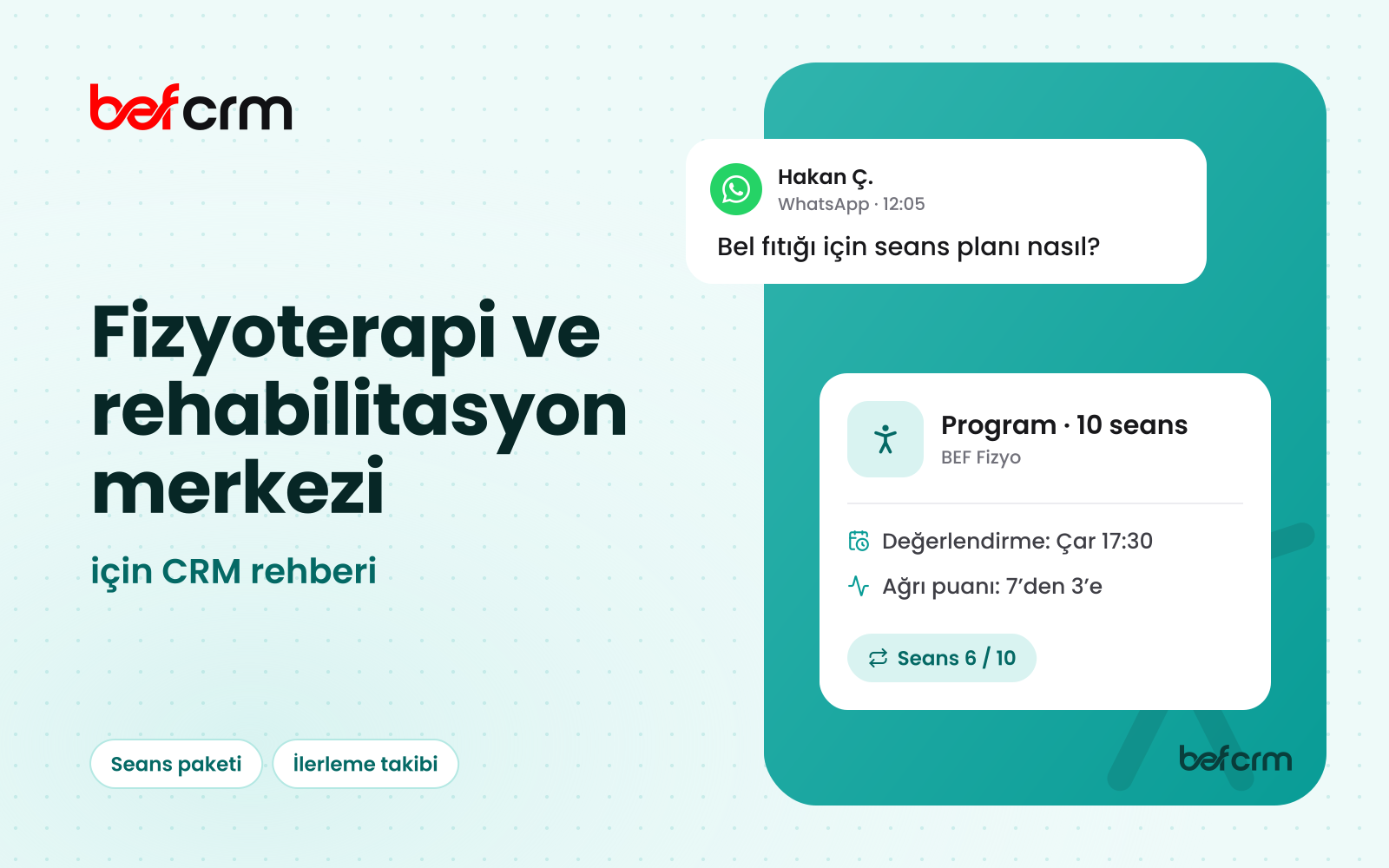
When a session package is sold, a balance is opened, and a session is deducted when an appointment is completed. Session and home exercise steps are defined with a treatment plan template; each step can generate a task, message or form. Measurements such as the pain score are entered and appear on the progress chart. The client file holds medical history, session notes and attachments. You can track home physiotherapy sales as a separate outcome.

Before the appointment, a reminder with “I’m coming”, “Let’s cancel” and “Another time” buttons goes out; cancellations come with advance notice, and the freed slot can be opened to another client. Recommended modules: Appointments and sessions, Client / patient file, Session packages and credits, Treatment / follow-up / program plan, Measurements and progress. Details: industry modules.

Client data and KVKK: not legal advice
The area of complaint, doctor’s reports, pain scores and session notes are health data and count as special categories of personal data under KVKK. Doctor’s reports may arrive as photos via WhatsApp; store these documents in the client’s file, not in phone galleries. In BEF CRM, in modules that process health data, fields are stored encrypted, only authorized staff can see them and every access is logged. Determine your obligations with a lawyer; this note is general information.

AI assistant
The assistant can answer questions about session fees, package options, the address and how to book an assessment appointment. It shouldn’t comment on exercise recommendations, the cause of pain or suitability for treatment; prohibit these topics in the knowledge base and make sure conversations with related words are handed over to a physiotherapist. If online booking is connected, the assistant offers only real free slots in the calendar for assessments; it doesn’t promise appointments on its own.
Campaigns and consent
Send package campaigns only to people with commercial message consent; the campaigns screen skips people without consent. Also keep in mind the professional rules on advertising healthcare services. From the ready-made automations, you can send a post-sale satisfaction question to clients who complete their package and a session package renewal suggestion to those whose package is about to run out.
What to check in the weekly report
- Clients who were assessed but didn’t start a package, and why.
- Occupancy and completed sessions per physiotherapist.
- Missed and canceled sessions.
- Clients whose package is about to run out.
- The detailed view of the dashboard for rep and physiotherapist performance.
First-week checklist
- Connect WhatsApp, Instagram and website chat.
- Enter physiotherapists, working hours and service durations.
- Review the intake questions for the assessment appointment.
- Define session packages and your late cancellation rule.
- Prepare a treatment plan template and a pain score measurement for your most common program.
- Add the 30-day follow-up rule for those awaiting a doctor’s decision.
How do I track changes in the pain score?
In the measurements and progress module, you enter measurements such as the pain score at every session; the change appears on the progress chart.
Can I see home physiotherapy sales separately?
Yes. You can record home physiotherapy sales as a separate outcome and track them separately in reports.
What should I do so I don’t forget a client awaiting a doctor’s decision?
Close the record with the “Awaiting surgery / doctor’s decision” reason and define a rule that creates a task 30 days later for this reason. When the time comes, the task lands with the owner.