CRM guide for law firms, accountants and consultants: from inquiry to case tracking
A missed deadline means a lost client. We explain how to take an inquiry from initial consultation to contract, and how to organize case and deadline tracking, time tracking and monthly retainer payments.
By BEF CRM Ekibi Updated

Contents 8 sections
For law firms, accountants and consulting firms, the client relationship is long-term and requires a high level of trust. An inquiry often starts with an email or WhatsApp message, becomes clear in an initial consultation and becomes official with a fee quote and contract. Then come dates such as hearings, appeals and tax filings; missing one of them causes serious harm to both the client and the firm.
In this guide, we explain how this process can be tracked in BEF CRM. A summary of the preset settings is on the Law, accounting and consulting firms page.
Professional rules and confidentiality
Lawyers and accountants are also bound by confidentiality obligations and professional rules, and the legal profession has an advertising ban as well. Evaluate the messaging and campaign suggestions in this post against your own professional regulations. This note is general information, not legal advice.
Stages and naming
With the industry settings, the board comes with four stages; leads appear as “Inquiries”, customers as “Clients” and sales as “Contracts”.
| Stage | When does a record move here? | Work at this stage |
|---|---|---|
| Info provided | The inquirer’s matter was heard, and the way of working was explained | Suggest an initial consultation |
| Pre-session call done | Initial consultation completed, notes entered in the record | Prepare the fee quote |
| Fee quote sent | Quote sent via a link | Answer questions and pin down the decision date |
| Power of attorney / contract signed | Contract signed, case file opened | Enter deadlines and documents in the file |
An online booking page can be used for initial consultations; the booking form comes with four preset questions (such as “Subject”). The fee quote is sent via a link, and the contract can be signed by e-signature. Documents that require an official form, such as a power of attorney, are drawn up through their own procedure.

Close reasons and follow-up
The preset close reasons are: Found the fee too high, Outside our area of expertise, Settled out of court, Time-barred / no legal remedy left, Chose another firm.
- Found the fee too high: a task is created for the rep 30 days later.
- Chose another firm: a task is created 180 days later; think of the follow-up as a general check-in rather than a sales message.
- Outside our area of expertise: no follow-up needed; if you referred the inquirer elsewhere, make a note.
- Settled out of court and Time-barred / no legal remedy left: no follow-up needed; in the report, these reasons show the nature of the inquiries you receive.
Cases, deadlines and time tracking
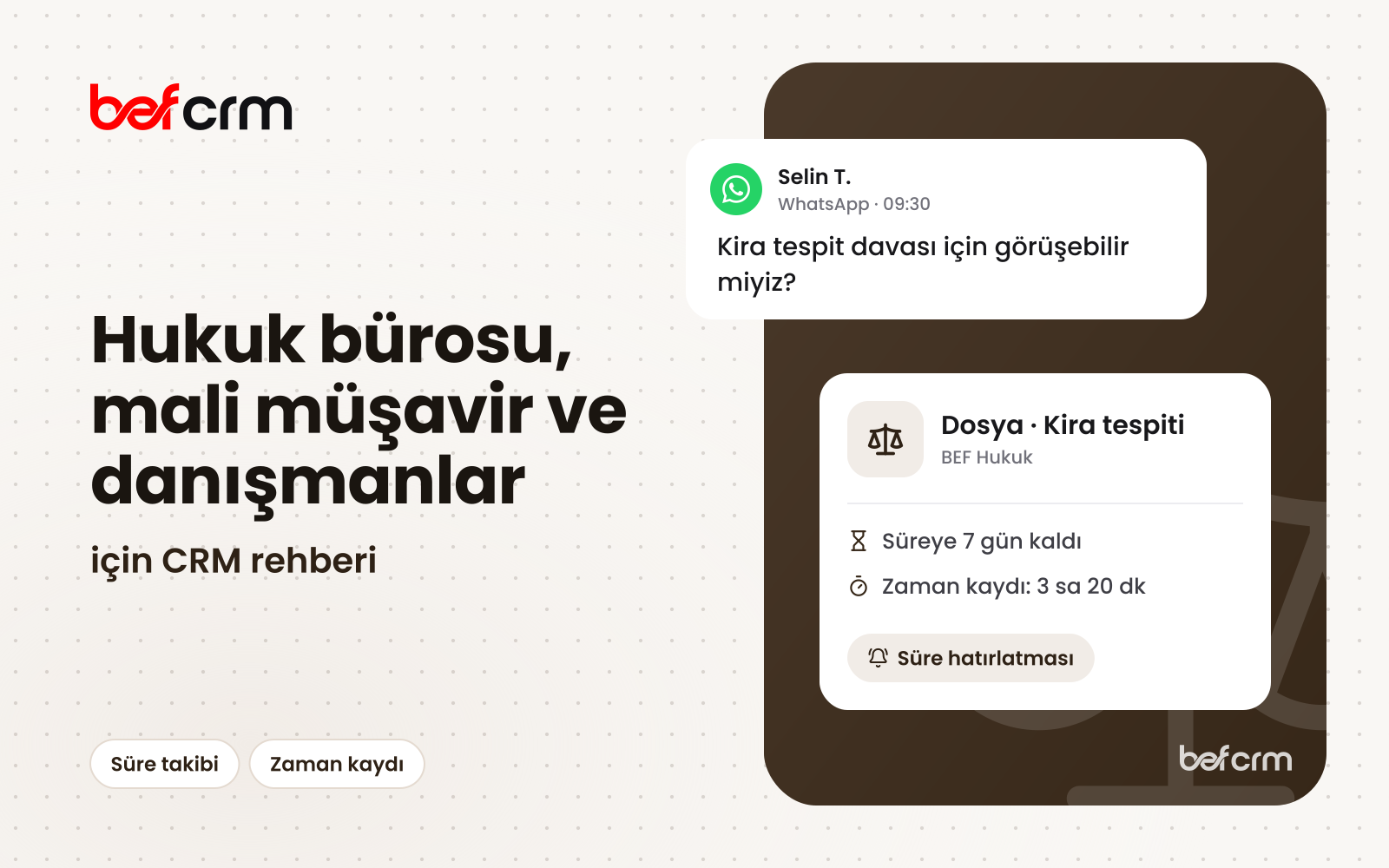
Dosya ve süre takibi modülünde dava ya da iş dosyasında tarihler, belgeler ve notlar tutulur. Duruşma, itiraz ve beyanname tarihleri dosya kartında durur; yaklaşınca sorumluya hatırlatma gelir. Kimin hangi dosyada kaç saat çalıştığı zaman kaydıyla tutulur ve “Faturala” ile ücrete dönüşür. Önerilen modüller: Dosya ve süre takibi.

Don’t rely on deadline reminders as your only safeguard
Reminders make deadlines visible, but for peremptory deadlines, keep up your firm’s own control routine as well: for example, having someone other than the person who entered the deadline check it, and reviewing upcoming deadlines together every week.


Monthly retainers and collections
For monthly retainer agreements, payments can be tracked with an installment plan; a payment link goes out on the due date, and for an overdue payment, a message goes to the client and a task is created for the owner. In accounting practices, you can set up tasks for recurring monthly work so they repeat every month.

AI assistant
The assistant can provide general information such as the firm’s practice areas, how initial consultations work, the office address and the booking link. Legal opinions, tax calculations and assessments of specific cases aren’t the assistant’s job; prohibit them explicitly in the knowledge base. The assistant is off by default on the email channel. In long threads, the conversation summary makes it easier to prepare for the initial consultation.
Email, permissions and bulk sending
When you connect your business email via IMAP and SMTP, incoming emails land as conversations and your replies go out from your own address. Use role settings so that only the relevant team sees case files, and make two-step verification mandatory. For bulk sends such as updates on legislative changes, the campaigns screen skips people without commercial message consent; evaluate the content against your professional rules.
What to check in the weekly report
- Upcoming deadlines and their owners.
- Inquiries where a fee quote was sent but no reply came.
- Working hours recorded per case.
- Overdue monthly payments.
First-week checklist
- Connect email, WhatsApp and website chat.
- Define roles; make sure only the relevant team sees case files, and make two-step verification mandatory.
- Enter open cases with their deadlines and owners.
- Prepare the fee quote template and try the e-signature flow.
- Set up payment plans for monthly retainer agreements.
How do I track hearing and tax filing dates?
In the case and deadline tracking module, dates are entered on the case card; as they approach, the owner gets a reminder. Use this reminder together with your firm’s own control routine.
How do I turn time entries into fees?
Who worked how many hours on which case is recorded; with “Bill”, the entries turn into a fee.