CRM guide for construction and project sales: unit inventory, deposits and payment plans
When the sales office’s board and the Excel list don’t match, the same unit can be promised to two buyers. We explain how to track unit inventory, prospective buyers, deposits, contracts and payment plans in one routine.
By BEF CRM Ekibi Updated

Contents 9 sections
In project sales, there are many prospective buyers and units at the same time. When the sales office’s board and the Excel list don’t match, the same unit can be promised to two buyers; if the status of a unit with a deposit isn’t seen the same way by everyone, trust is shaken. After the contract, the work turns into a long payment plan.
In this guide, we explain how a construction company or project sales office can track unit inventory, prospective buyers and payments in one routine in BEF CRM. A summary of the preset settings is on the Construction and project sales page.
Where do prospective buyers come from?
In project sales, ads are an important source. When a prospective buyer writes from an ad, the source and campaign are written to the record; on the ad performance screen, the results reported by the platform appear side by side with the real records and sales in the CRM. Record walk-in visitors to the office too and select their source manually, so the comparison isn’t incomplete.
Stages and naming
With the industry settings, the board comes with five stages; leads appear as “Prospective buyers”, customers as “Customers” and sales as “Sales contracts”.
| Stage | When does a record move here? | Work at this stage |
|---|---|---|
| Info provided | Project, unit types and price range shared | Suggest an office or site visit |
| Office / site visit | A visit appointment was set or the visit took place | Add the units they’re interested in to the record |
| Quote | Unit and payment options sent via a quote link | Answer questions and find out about their financing status |
| Deposit | Deposit received, unit marked as reserved | Pin down the contract date |
| Contract | Contract signed | Set up the payment plan |
In project sales, decisions take a long time; give stages follow-up times in business days and address overdue records in your weekly review. If you give stages probabilities, the column headers on the lead board also show the probability-weighted amount along with the total.

Unit inventory
In the project and unit inventory module, projects, blocks, floors and units are defined, and each unit’s type, square meters, price and status are visible. Whether a unit is available, reserved with a deposit or sold looks the same to everyone. In a prospective buyer’s record, the units they’re interested in sit in a separate tab, and you can also track demand by unit type. Recommended module: Project and unit inventory.

Quotes, contracts and payment plans
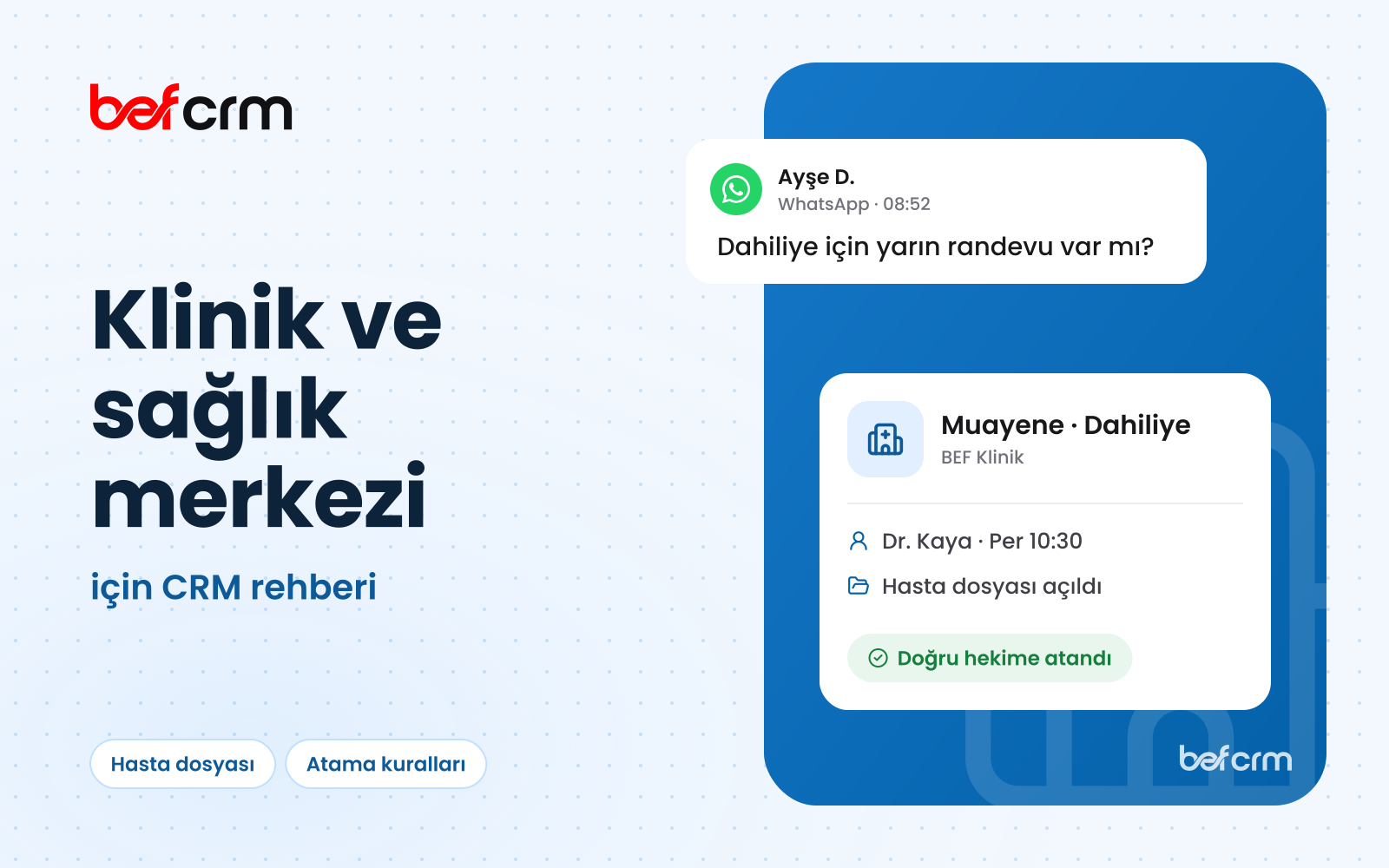
Unit and payment options are sent via a quote link; when the quote is accepted, it’s recorded, and the document can be signed by e-signature. After the contract, the payment plan is split into installments: a reminder goes out before the due date and a payment link on the due date, and a task is created for an overdue installment. Sales in foreign currency can also be entered.


Formal requirements and foreign currency: not legal advice
For some contracts, such as real estate sales and promises to sell, the law requires an official form; a signature on screen doesn’t replace this requirement. Legislation also restricts setting the price in foreign currency for real estate sales between residents of Türkiye. Use quote links and e-signatures to document steps such as preliminary agreements and deposits; clarify your contract texts, formal requirements and use of foreign currency with a lawyer.
Close reasons and follow-up
The preset close reasons are: Found the price too high, Loan not approved, Delivery date too late, Location not suitable, No need right now.
- Loan not approved: a task is created for the rep 90 days later; when you follow up, discuss different payment plan options.
- Found the price too high: a task is created in the next campaign period; a new phase or a different unit type may be a fit.
- Delivery date too late: add your own rule to follow up close to the delivery date.
- Location not suitable: if you have another project, make a note; otherwise, no follow-up is needed.
AI assistant
The assistant can share the project information you write in the knowledge base (location, unit types, amenities, the sales office’s working hours) and direct people to book a visit. Price negotiation, discounts, reserving units and firm delivery date promises belong to the sales team; the assistant doesn’t offer discounts or make price commitments.
Campaigns and consent
Send new phase or launch announcements only to people with commercial message consent; the campaigns screen skips people without consent. If you’ll build an ad audience from your customer list, state this in your privacy notice; for details, see the conversion feedback and ad audiences page.
What to check in the weekly report
- Unit status: units reserved with a deposit and sold this week, and demand by unit type.
- Prospective buyers who visited the office but didn’t move on to a quote.
- Overdue installments and the collection tasks created.
- Records, visits and contracts by ad campaign.
First-week checklist
-
Enter the project and units
Define blocks, floors and units with their type, square meters, price and status.
-
Connect ad accounts
Connect your Meta and Google ad accounts; see the source written on records that come from ads.
-
Set up the sales team
Add your sales consultants and set up assignment rules to distribute inquiries.
-
Try the quote flow
Prepare a quote with unit and payment options and try the link from start to finish.
-
Decide who owns payment plans
Decide whom due-date reminders and overdue installment tasks go to.
How do I avoid promising the same unit to two buyers?
The unit inventory is kept in one place, and its status is the same for everyone. When a deposit is taken, the unit is marked as reserved, and other sales consultants see this at the same moment.
How is a payment plan tracked?
After the contract, the payment plan is split into installments; a reminder goes out before the due date and a payment link on the due date. If an installment is late, a message goes to the buyer and a task is created for the owner.
Can I make sales in foreign currency?
Sales in foreign currency can be entered in the system, and the exchange rate is pulled from the TCMB. However, legislation restricts the use of foreign currency in real estate sales with residents of Türkiye; consult a lawyer about when you can use it.