CRM guide for doctor’s offices: online booking, checkup reminders and patient files
At a doctor’s office, many of the calls that ring all day are just “Is there a free slot tomorrow?”. We explain how to bring appointments, checkup reminders and patient files together in one routine, with KVKK notes.
By BEF CRM Ekibi Updated

Contents 9 sections
At a doctor’s office, the secretary’s day is spent on the phone: people asking for appointments, people wanting to change them, people asking about results. Some of the calls are just “Is there a free slot tomorrow?”. Meanwhile, WhatsApp messages wait, and patients due for a checkup are forgotten.
In this guide, we explain how a single-doctor or small practice can organize appointments, checkup reminders and patient files in BEF CRM. A summary of the preset settings is on the Doctor’s offices page.
Patient data and KVKK: not legal advice
Examination notes, complaints and test results are health data and, under KVKK, are subject to stricter rules as special categories of personal data; doctors also have professional confidentiality obligations. In BEF CRM, medical history, allergy, medication and examination notes are kept in encrypted fields, only authorized people can see them and every access is logged. Consult a lawyer about your privacy notice, legal grounds and retention periods; this note is general information.
A day at the doctor’s office
In the morning, the dashboard shows today’s appointments and the patients to get back to. Messages that come in during the day land in the shared inbox; the secretary replies and adds the appointment to the calendar. After the examination, the doctor’s note goes into the patient file, and a checkup date is set if needed. For messages that arrive outside working hours, the AI assistant provides general information; the conversation waits for the morning with a summary.

Stages and naming
With the industry settings, the board comes with four stages; leads appear as “Prospective patients”, customers as “Patients” and sales as “Procedures”.
| Stage | When does a record move here? | Work at this stage |
|---|---|---|
| Info provided | Examination fee, address and available days shared | Send the booking link |
| Examination appointment booked | Day and time set | Watch for the reply to the reminder |
| Examined | The patient was examined, and the note went into the file | If a checkup or treatment is needed, set its date |
| Treatment started | The recommended procedure or treatment started | Track the checkup steps in the treatment plan |

Online booking and reminders
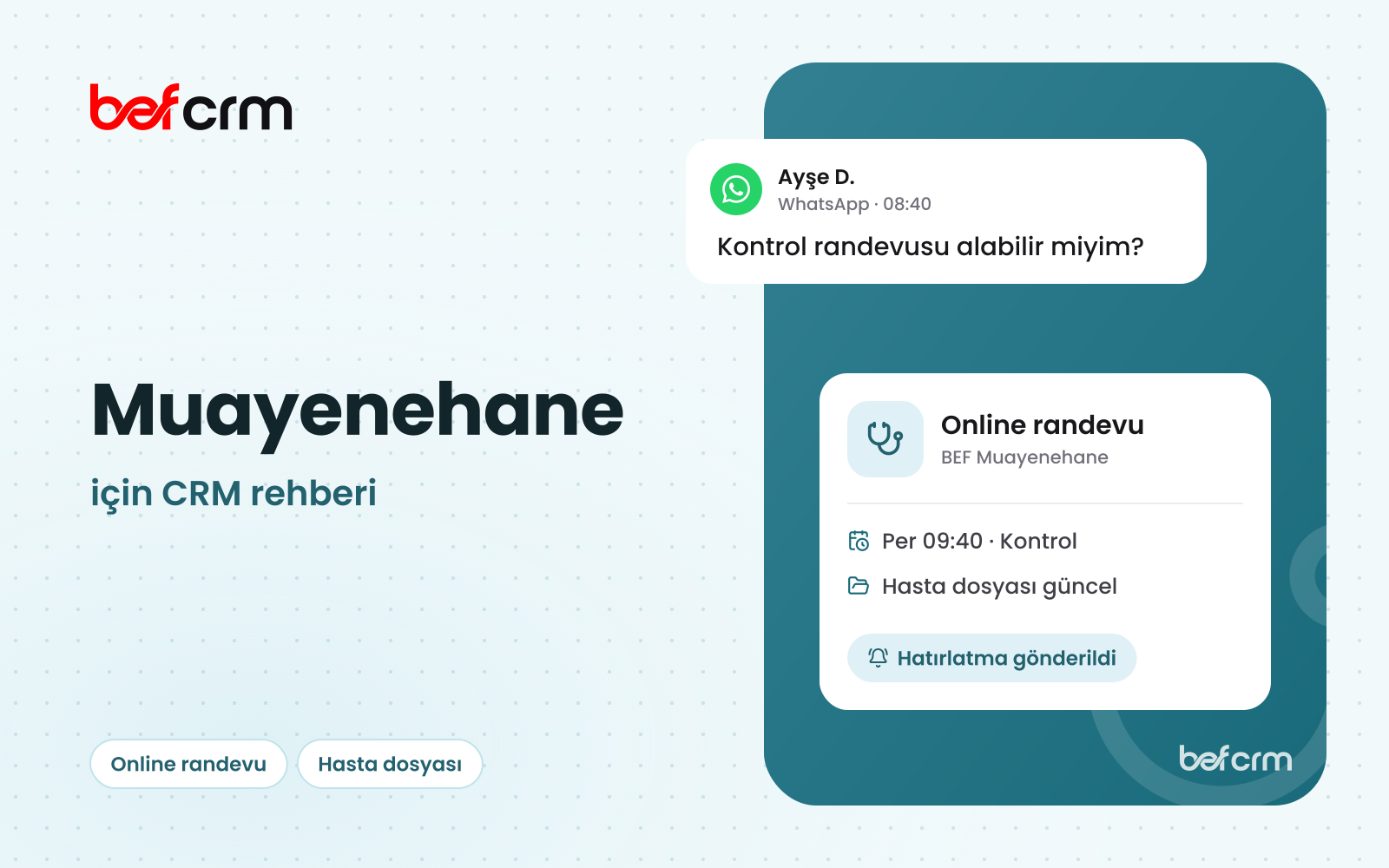
On the online booking page, the patient picks an examination time and writes their complaint and whether it’s their first visit as intake information. The booking form comes with five preset questions (such as “What is your complaint?”). The secretary confirms the request. If you connect your Google, Outlook or iCloud calendar, the busy times there are closed for booking; you can also set a daily appointment limit per phone number.
Before the appointment, the patient gets a reminder with “I’m coming”, “Let’s cancel” and “Another time” buttons; a patient who chooses “Another time” is offered free slots on the same day. No-show patients appear in a separate color on the calendar. Patients due for a checkup get a recurring reminder. Details: appointments section.
Close reasons and follow-up
The preset close reasons are: Examination fee too high, Appointment date too far out, Wants a contracted insurer, Complaint resolved, Went to another doctor.
- Appointment date too far out: a task is created for the rep 7 days later; offer slots freed up by cancellations.
- Examination fee too high: a task is created for the rep 30 days later.
- Complaint resolved: no follow-up needed; if the doctor recommended a checkup, set a reminder accordingly.
- Wants a contracted insurer: make a note so you can let them know if your contract status changes.
Patient file and consent
Danışan / hasta dosyası modülünde anamnez, alerji, ilaç ve muayene notları şifreli alanlarda tutulur. Onam formu ekranda imzalanır; imza zamanı ve cihaz bilgisiyle PDF olarak saklanır. Önerilen modüller: Randevu ve seans, Danışan / hasta dosyası, Onam ve sağlık formları, Periyodik hatırlatma, Tedavi / takip / program planı.

Separate the fields the secretary and the doctor will see in the team, permissions and KVKK settings, and make two-step verification mandatory.
AI assistant
Outside working hours, the assistant can answer general questions such as the examination fee, address, working hours and how to book an appointment. Diagnoses, medications, interpreting test results and questions like “Is this symptom serious?” belong to the doctor; prohibit them explicitly in the knowledge base. Make sure conversations with words like “urgent”, “shortness of breath” or “chest pain” are handed over to a staff member. Since no one can reply outside working hours, write at the top of the knowledge base that 112 should be called in emergencies.
Campaigns and consent
Keep bulk promotional messages limited for doctor’s offices; advertising of healthcare services is subject to professional regulations. Manage informational messages such as checkup reminders with recurring reminders. If you send something commercial, the campaigns screen automatically skips people without consent.
What to check in the weekly report
- No-show patients and those who didn’t reply to reminders.
- Patients whose checkup is overdue but who haven’t booked.
- Online booking requests awaiting confirmation.
- How many examined patients moved on to treatment.

First-week checklist
-
Set up the calendar
Enter examination durations, working hours and time off; connect your external calendar.
-
Share the booking page
Add the booking link to your website, Instagram profile and quick messages.
-
Separate roles
Separate the secretary and doctor roles; turn on two-step verification.
-
Prepare the consent form
Review your consent and explicit consent texts with your lawyer and try the on-screen signing flow.
-
Limit the assistant
Write only general information in the knowledge base, add prohibited topics and handover words, and try it in the test chat.
Can patients change their own appointments?
A patient who taps the “Another time” button in the reminder is offered free slots on the same day, and the appointment moves to the time they choose. When a patient cancels, their slot opens up on the calendar.
Does the assistant give patients medical information?
It shouldn’t. The assistant speaks only with the information in your knowledge base; write general information there and prohibit diagnosis and treatment topics. Instead of making things up on topics it isn’t sure about, it hands over to a rep.
Who can see the patient file?
Role settings decide. Clinical fields are stored encrypted and open only to authorized people, and every access is logged.