CRM guide for auto service shops and car dealerships: test drives, vehicle cards and maintenance reminders
At a dealership, sales are won through test drives and negotiation; in service, customers are won by staying on top of maintenance schedules. We walk through tying the vehicle sales process to stages and setting up vehicle cards and maintenance reminders, step by step.
By BEF CRM Ekibi Updated

Contents 8 sections
In automotive, two separate businesses meet in the same customer: vehicle sales at the dealership and maintenance at the service shop. On the sales side, inquiries come in via listings or ads and move forward through test drives and negotiation; trade-in and financing status decide the outcome. On the service side, customers often forget when maintenance is due, and if you don’t remind them, they go to another shop.
In this guide, we explain how a dealership or auto service shop can bring these two businesses together in the same customer record in BEF CRM; for the examples, picture a fictional business called BEF Oto. A summary of the preset settings is on the Auto service and car dealerships page.
Stages at the dealership
With the industry settings, the board comes with four stages; leads appear as “Prospects”, customers as “Customers” and sales as “Vehicle sales”.
| Stage | When does a record move here? | Work at this stage |
|---|---|---|
| Info provided | Vehicle details and price sent | Suggest a test drive |
| Test drive | Test drive scheduled or done | Ask about the trade-in vehicle and financing needs |
| Offer / Negotiation | Price, trade-in and financing terms under discussion | Note the trade-in value and financing status in the record |
| Sold | Sale entered | Open the vehicle card for service |
If you take a deposit, you can send a payment link from the chat; the money goes directly to your own payment provider account. How customers from ads convert into sales appears on the ad performance screen, side by side with the results reported by the platform.

Close reasons and follow-up
The preset close reasons are: Found the price too high, Loan not approved, Trade-in value too low, Out of stock / long delivery time, No need right now.
- Found the price too high: a task is created for the rep in the next campaign period.
- Out of stock / long delivery time: a task is created 21 days later; follow up when a similar vehicle arrives or the delivery time shortens.
- Loan not approved and Trade-in value too low: the customer’s situation may change; add your own follow-up time and discuss a different financing or trade-in option when you follow up.
- No need right now: if the customer mentioned a time, set the task for that date.
Vehicle cards and service
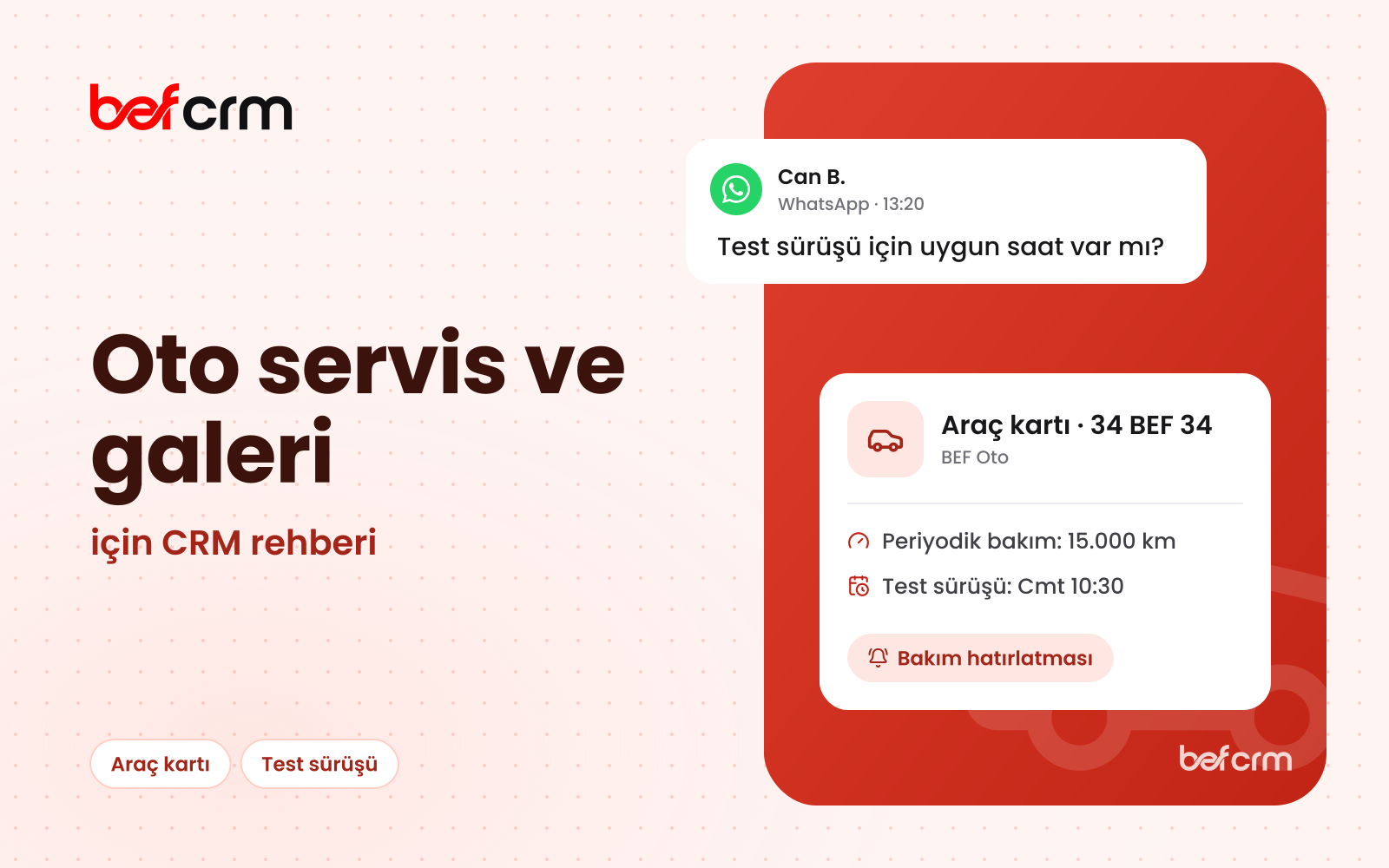
In the vehicle card and service history module, the plate number, chassis number, mileage, and inspection and insurance dates sit on the vehicle card. Parts used in a service record are deducted from stock, and you see service revenue per vehicle. Periodic maintenance reminders are set by mileage or date; as the time approaches, a message goes to the customer and the service appointment is booked via an online booking link.

In online service booking, you can ask for the plate number, mileage and complaint as intake questions; the answers land in the record so the service advisor can prepare before receiving the vehicle. Before the appointment, the customer gets a reminder with buttons, and missed appointments appear in a separate color on the calendar.
If you open the vehicle card at the moment of sale for a car sold by the dealership, the customer moves over to the service side from their first maintenance. Recommended modules: Appointments and sessions, Vehicle card and service history, Recurring reminders, Staff bonuses and commissions. Details: industry modules.

Sales consultant bonuses
Sales consultant bonuses are calculated with bonus and commission rules, and a per-person bonus report is produced at month end. For this to work, every sale must be credited to a consultant. You can use assignment rules to distribute inquiries among consultants.

AI assistant
Outside working hours, the assistant can answer general vehicle questions covered in your knowledge base, your working hours and how to book a service appointment. Price negotiation, trade-in value and financing terms belong to the consultant; the assistant doesn’t offer discounts or make price commitments. On the service side, it’s best for it to send the booking link rather than diagnose a described fault.
Campaigns and consent
Seasonal maintenance or discounted service packages are commercial messages; the campaigns screen skips people without consent. A periodic maintenance reminder, on the other hand, is a reminder specific to the customer’s vehicle; keep its content informational, and if you want to add a discount, check the consent status.
What to check in the weekly report
- Customers who had a test drive but didn’t move on to a quote.
- Vehicles with maintenance, inspection or insurance coming up.
- Service revenue per vehicle and service appointment occupancy.
- Sales and bonuses per consultant.
First-week checklist
-
Connect your channels
Connect WhatsApp and Instagram; see messages from listings and ads open records.
-
Enter vehicles and parts
Define vehicles for sale and frequently used service parts as products and stock.
-
Open vehicle cards
Enter service customers’ vehicles with plate number, mileage, and inspection and insurance dates.
-
Set up maintenance reminders
Prepare a mileage- or date-based periodic maintenance reminder and its message template.
-
Define consultants and bonus rules
Add your sales consultants and enter the bonus rules.
Do maintenance reminders work by mileage?
Yes. Periodic maintenance reminders can be set by mileage or by date. Keep the mileage on the vehicle card up to date with every service record.
Are parts used in service deducted from stock?
Yes. Parts used in a service record are deducted from stock, and you get a warning for parts that drop to the critical level.
How does a customer who bought a car at the dealership move over to service?
If you open the vehicle card when the sale is entered, the same customer record also holds the service history, and you can set a reminder for the first maintenance.