CRM guide for gyms: from trial workout to membership renewal
At a gym, losses usually happen when a member whose membership has ended quietly walks away. We set up a routine for taking prospects from trial workout to membership and for tracking renewals, freezes and PT packages.
By BEF CRM Ekibi Updated

Contents 8 sections
Gyms have two critical moments: the day a prospect comes in for the first time for a trial workout, and the days just before a membership ends. If no decision is made at the first, the prospect goes to another gym; if no reminder goes out at the second, the member quietly leaves. To avoid leaving these two moments to chance, records, reminders and follow-up tasks need to be in the same place.
In this guide, we explain how a gym can take a prospect from the first message to membership, and a member on to renewal, in BEF CRM. A summary of the preset settings is on the Gyms page.
Where do prospects come from?
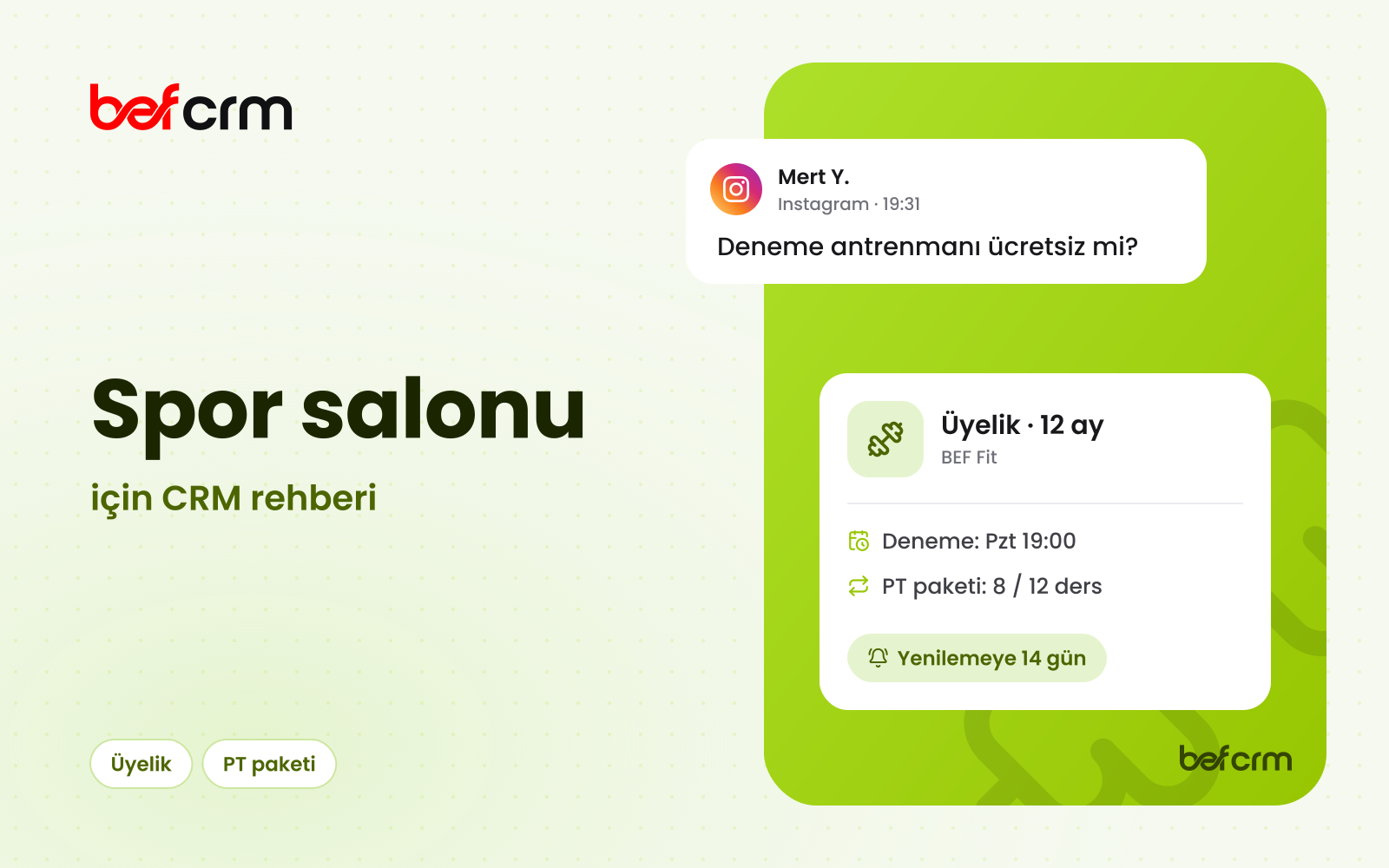
Prospects mostly ask about prices and hours on Instagram and WhatsApp; some walk into the gym directly. For every prospect who comes in by message, a record opens on the lead board and its source is written automatically. If you also record walk-in prospects and select their source manually, you can compare trial-to-membership conversion by source.
Stages and naming
With the industry settings, the board comes with five stages; leads appear as “Prospective members”, customers as “Members” and sales as “Membership sales”.
| Stage | When does a record move here? | Work at this stage |
|---|---|---|
| Info provided | Prices and hours shared | Invite them to a trial workout |
| Trial workout scheduled | Day and time set | Track the reminder and prepare the trainer |
| Attended trial workout | The prospect came to the gym | Listen to their goal and suggest a suitable membership or PT package |
| Quote given | Membership option and price shared | Pin down the decision date |
| Became a member | Membership or PT package sold | Start the plan in the membership module |
The booking form comes with five preset questions (such as “What is your goal?”). Knowing the goal makes the trainer’s job easier during the trial workout.

Close reasons and follow-up
The preset close reasons are: Found the price too high, Gym too far, Hours didn’t work, No motivation / postponed, Has a health restriction.
- Found the price too high: a task is created for the rep in the next campaign period.
- Hours didn’t work: a task is created for the rep 14 days later; when you follow up, share the new times in the group class schedule.
- No motivation / postponed: add your own rule; when you follow up, you can suggest another trial workout before a membership offer.
- Has a health restriction: don’t create a follow-up task, and avoid writing detailed health information in the record.
Memberships, freezes and renewals
The membership module tracks the plan, start and end dates, entry allowance and freezes, and lists members with overdue payments. As a membership nears its end, a renewal reminder goes out with a payment link; for members who don’t renew, a task is created for the rep. Frozen memberships are tracked separately.

Girişte üye QR kodunu okutur; resepsiyonda tarayıcı kamerası yeterlidir. Grup derslerinde kontenjan ve bekleme listesi, PT paketlerinde kalan bakiye tutulur. Ölçüm ve ilerleme modülünde kilo, yağ oranı ve çevre ölçüleri dönem dönem girilir; antrenman programı adımlar hâlinde tanımlanabilir.

Önerilen modüller: Üyelik ve abonelik, Grup dersleri, kapasite ve yoklama, Seans paketi ve kontör, Ölçüm ve ilerleme, Tedavi / takip / program planı, Personel prim ve komisyon.

Measurements and health information
Body measurements or conditions a member reports may qualify as health data. Make sure only the people who need this information can see it, and decide how long you’ll keep it. This note is general information, not legal advice.
AI assistant
Outside working hours, the assistant can answer questions about the price list, working hours, the group class schedule and how to book a trial workout. Discount negotiations, membership freeze requests and messages about injuries or health problems should be handed over to a staff member; add these words to the handover list. The assistant doesn’t offer discounts, and instead of making things up on topics that aren’t in the knowledge base, it hands over.
Campaigns and consent
Send new-term, pre-summer or win-back campaigns by selecting an audience on the campaigns screen. People without commercial message consent are skipped automatically, and the same person doesn’t get a second campaign within 7 days. For members whose membership has ended but who haven’t renewed, you can use the win-back message among the ready-made automations.
What to check in the weekly report
- How many trial workout attendees became members?
- Memberships ending this week and next week; the status of renewal tasks.
- Members with overdue payments and frozen memberships.
- PT package sales by trainer and the bonus report.
First-week checklist
- Connect Instagram and WhatsApp; add the price list and trial workout link to your quick messages.
- Define membership plans, their durations and freeze rules.
- Enter the group class schedule with capacities.
- Enter your current members with their membership end dates; check the first renewal list.
- Add trainers and define PT bonus rules.
- Try QR check-in at reception once.
When does a reminder go to a member whose membership is ending?
As a membership nears its end, the member gets a renewal reminder with a payment link. If the member doesn’t renew, a task is created for the rep, so no one quietly drops off the list.
Do I need a separate device for QR check-in?
Resepsiyondaki bilgisayar ya da tabletin tarayıcı kamerasıyla QR okutulabilir.
How do I track PT packages?
A PT package is sold as a session package; the remaining balance is kept and completed sessions are deducted. Trainer bonuses are calculated with bonus rules.