CRM guide for yoga, Pilates and dance studios: capacity, class credits and renewals
The Reformer class is full and people are waiting to join; a package’s credits are about to run out. We walk through a studio routine step by step, from trial class to package, and from capacity to attendance and credit renewals.
By BEF CRM Ekibi Updated

Contents 8 sections
Studios have limited capacity: the number of reformers or the size of the room is fixed. While popular times fill up, other times stay empty, members who want to join wait, and a member whose package credits are about to run out won’t renew unless reminded. When the class schedule, capacity and credits are kept in separate spreadsheets, striking this balance gets hard.
In this guide, we explain how a yoga, Pilates or dance studio can take a prospect from trial class to package, and a member from classes to renewal, in BEF CRM. A summary of the preset settings is on the Yoga, Pilates and dance studios page.
Stages and naming
With the industry settings, the board comes with five stages; leads appear as “Prospective members”, customers as “Members” and sales as “Class packages”.
| Stage | When does a record move here? | Work at this stage |
|---|---|---|
| Info provided | Class times and fees shared | Suggest a trial class |
| Trial class scheduled | Trial class date set | Track the reminder |
| Attended trial class | The prospect came to class | Suggest a package that suits their level |
| Quote given | Package or membership option shared | Pin down the decision date |
| Bought a package / membership | Package or membership sold | Set up credits and sign them up for classes |
The booking form comes with five preset questions (such as “Which class would you like to join?”). Give the “Attended trial class” stage a short follow-up time; the first few days after a trial class are the best time for a decision.

Close reasons and follow-up
The preset close reasons are: Found the price too high, Class times didn’t work, Class was full, Studio too far, No need right now.
- Class times didn’t work: a task is created for the rep 14 days later; if you’ve added a new time to the schedule, follow up with it.
- Class was full: add a rule that creates a task 7 days later; adding this person straight to the waiting list is also an option.
- Found the price too high: a task is created in the next campaign period.
- Studio too far: this usually doesn’t need follow-up; if you teach online classes, you can suggest those.
Schedule, capacity and attendance
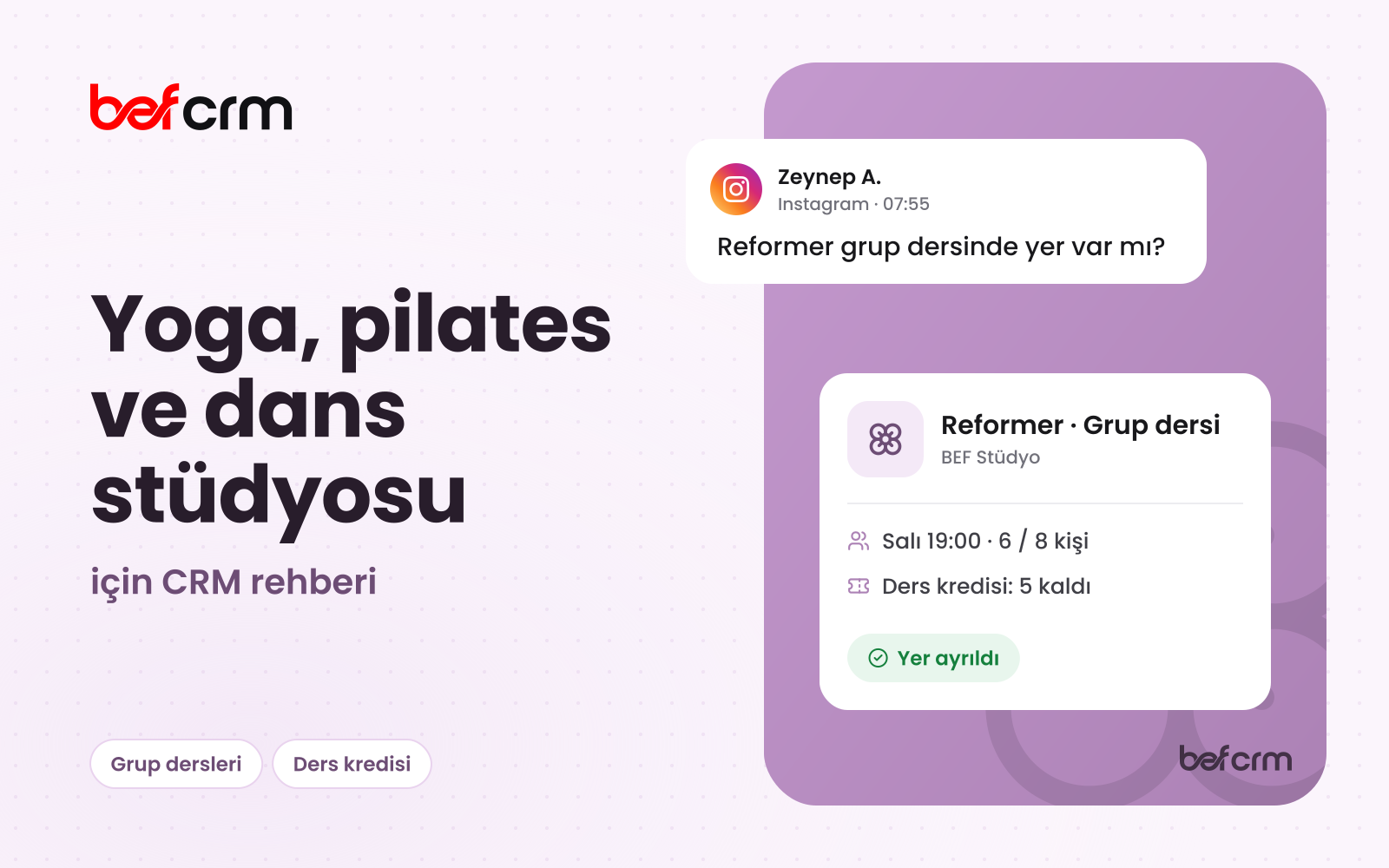
In the group classes, capacity and attendance module, you define the weekly class schedule along with the instructor and room. Members sign up for a class; when it’s full, those who want to join are put on the waiting list. At check-in, the member scans their QR code and a class credit is deducted; members who don’t show up are marked. Credits can have an expiry date, and you see attendance by instructor.

Kredi ya da süre azalınca yenileme hatırlatması gider; ödemeyi ödeme bağlantısıyla alabilirsiniz. Aylık üyelik ve özel ders satışlarını ayrı izleyebilirsiniz. Önerilen modüller: Grup dersleri, kapasite ve yoklama, Seans paketi ve kontör, Üyelik ve abonelik. Ayrıntılar: sektör modülleri.

Cancellation rules and no-show members
In classes with limited capacity, last-minute cancellations and no-shows waste a spot another member couldn’t get. Decide up front the cancellation deadline and the rule for no-show members, share it in writing with members when you sell the package and add it to your quick messages. You see members marked as no-shows in attendance during your weekly check; if the same member frequently doesn’t show up, ask how they’re doing in a short, non-accusatory message. When a spot opens up, let the member on the waiting list know right away.

AI assistant
The assistant can answer questions about the class schedule, levels, fees, studio rules and how to book a trial class; if online booking is connected, it offers only real free slots in the calendar. Hand messages about injuries, pregnancy or health problems over to an instructor; in these cases, the assistant shouldn’t decide which class is suitable.
Campaigns and consent
Send announcements about a new term, new class or workshop from the campaigns screen; people without commercial message consent are skipped, and the same person doesn’t get a second campaign within 7 days. For members whose credits have run out but who haven’t renewed, the ready-made automations include a win-back message and a session package renewal suggestion.
What to check in the weekly report
- Occupancy by class: which times are always full, and which are empty?
- Members waiting on the waiting list.
- Members whose credits or membership period are about to run out.
- Attendance and no-show members by instructor.
First-week checklist
- Connect Instagram and WhatsApp; prepare quick messages for the class schedule and trial class.
- Enter rooms, instructors and the weekly class schedule with capacities.
- Define packages, credit counts and expiry periods.
- Enter your current members with their remaining credits.
- Try QR attendance at reception for one class.
What happens when a class is full?
A member who wants to join a full class is put on the waiting list. When a spot opens, you move down the list and let the member know.
How are class credits deducted?
A class credit is deducted when the member scans their QR code at check-in. You can set an expiry date for credits.
How do I turn a prospect who came for a trial class into a package buyer?
A prospect who attended a trial class waits on the board in the “Attended trial class” stage. Give this stage a short follow-up time; when it’s exceeded, the owner is notified and the prospect isn’t forgotten.